

Branding & Design
Graphic Design Assistant for Marketing Teams
Hire a remote graphic design assistant for resizes, template builds, deck formatting and social sets, so your senior designer keeps making original work.
Bought under Branding & Creative Design From $220 · 1-2 weeks
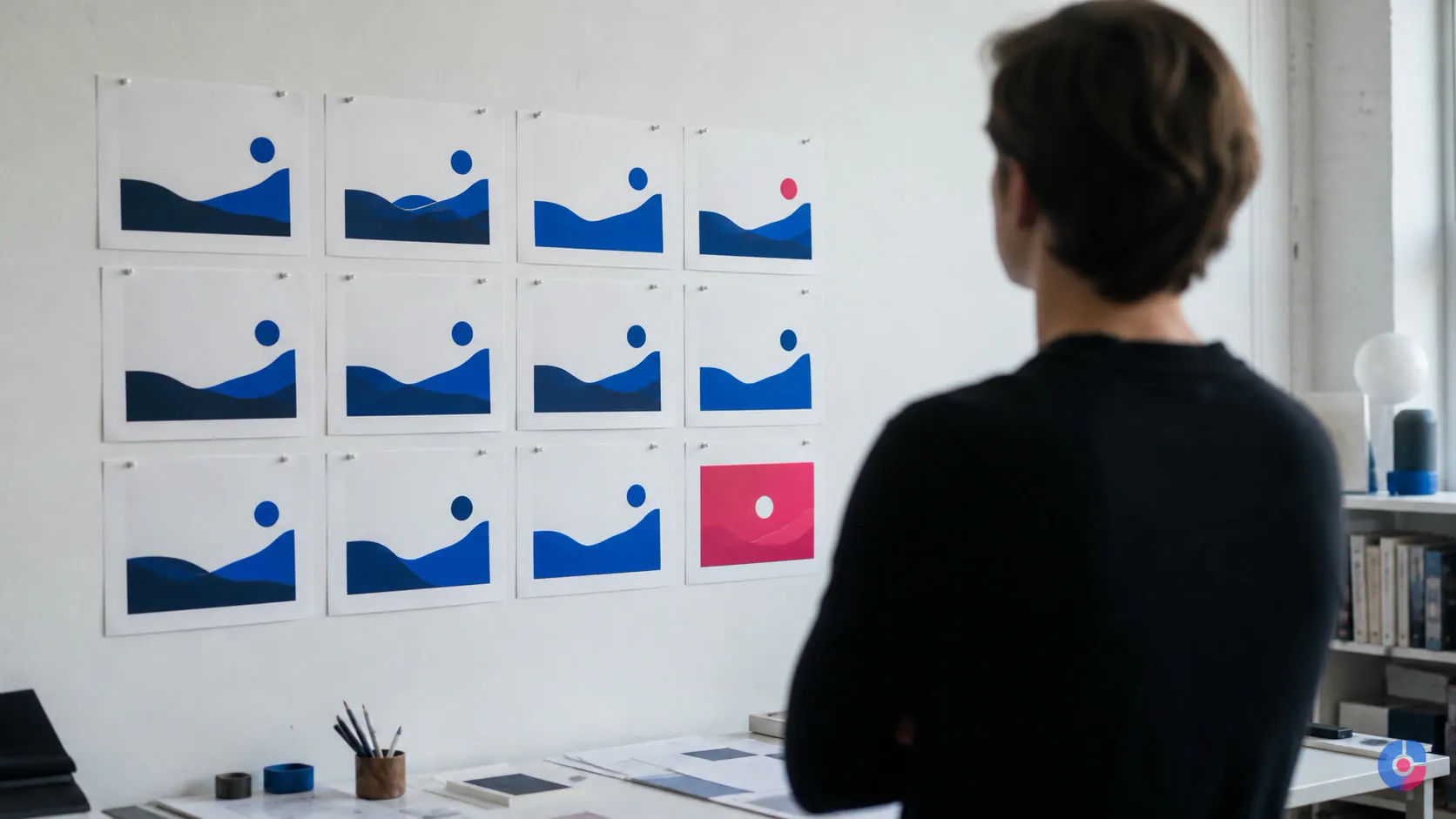
The campaign concept is approved on Monday. By Tuesday, the senior designer is rebuilding it for landscape banners, square posts, vertical stories, email headers, marketplace panels and the regional versions nobody included in the original brief. The idea is finished; the production work has taken over the week.
The next concept starts late. Stakeholders experience a slow creative team even though the designer has worked continuously. Revisions multiply because filenames, copy versions and placement requirements are spread across messages.
OveliTHub provides a remote graphic design assistant for execution inside an existing brand and approved direction. The assistant builds adaptations, templates, decks, campaign sets and production files under a controlled review process. Concept, art direction and brand judgement stay with the senior designer or client creative lead.
Concept work and production work are different jobs
Concept work decides what the communication should mean and how it should feel. It requires audience understanding, taste, original thinking, stakeholder conversation, selection and art direction. Ambiguity is part of the work.
Production work takes an approved idea into many exact deliverables. It requires accurate hierarchy, consistent spacing, disciplined file handling, placement knowledge, version control, preflight and patient attention to repeated detail. Ambiguity is a risk to remove.
Both need craft. They should not consume the same person’s week by default. A senior designer should remain available for the decisions that require senior judgement; a production designer should become excellent at preserving those decisions across every required format.
| Concept and art direction | Production adaptation |
|---|---|
| Defines audience, message and creative territory | Applies the approved territory to a placement matrix |
| Creates the master composition and selects the visual idea | Recomposes the master for aspect ratio, copy length and safe area |
| Sets typographic, image and motion principles | Uses approved styles, assets, grids and export presets |
| Resolves stakeholder disagreement about the idea | Flags any request that changes the approved idea |
| Approves the creative direction | Preflights files and packages editable deliverables |
This split respects the in-house designer. It removes the high-volume work that prevents them from designing, without asking a production assistant to imitate authority they do not hold.
What a graphic design assistant produces
Resizing and adaptation
One approved master is rebuilt across the required placements and aspect ratios. “Resize” does not mean scaling everything until it fits. The assistant preserves hierarchy, adjusts crop, line breaks, margins, image position and the relationship between headline, support copy, product, logo and call to action.
The placement matrix records channel, location, current dimensions or ratio, safe area, maximum copy, file type, colour requirement, animation or static state, size limit, source of specification and review date. Platform requirements are checked against current official documentation at production time or supplied by the client. No fixed social dimension is treated as permanent.
Each output is checked at actual viewing size where practical. A composition that looks balanced on a large artboard can fail when a mobile placement makes the legal line unreadable or crops the product.
Template building and maintenance
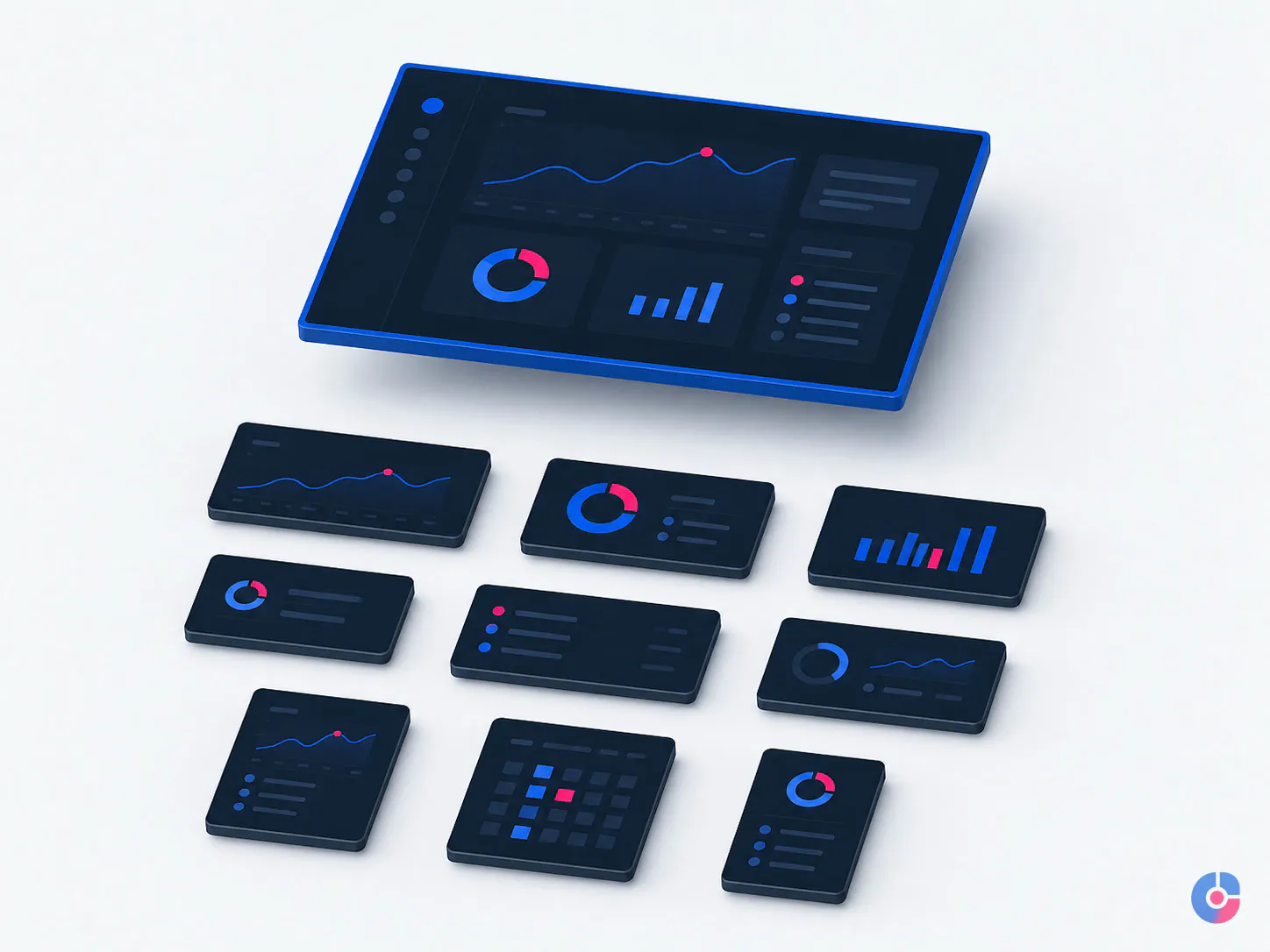
The assistant can turn recurring output into a reusable master system: locked or protected brand elements where the tool allows, named text and image styles, grids, component variants, image masks, replacement guidance, examples and an export checklist.
A useful template preserves choice without inviting accidental redesign. It might allow three approved headline lengths, two image treatments and a defined promotion label while preventing a user from moving the logo into an unsafe area. Templates are tested with realistic short and long content, not only the launch example.
When the brand evolves, the master version changes first and dependent templates are inventoried. The change log states which outputs need immediate replacement and which remain valid. Old versions are archived clearly enough that a future operator cannot publish them by accident.
Presentation and document design
Sales decks, proposals, case studies and reports can be formatted to an existing brand system. Work covers master pages or slide layouts, typographic hierarchy, spacing, alignment, chart styling from supplied data, image treatment, tables, page furniture and consistent footers or references.
The assistant does not invent evidence, rewrite strategy or turn unsupported claims into decorative charts. Content owners approve wording and figures. Complex data visualisation, persuasive narrative and bespoke illustration can require senior design or specialist scope.
Social and campaign sets
From one approved direction, the assistant produces the agreed set of posts, vertical frames, banners, headers and regional or offer variations. The production table links each asset to approved copy, image, offer, dates, market, language, legal line and destination.
Copy changes are versioned. Date and price variants are compared against the source brief. The assistant produces assets; publishing schedules, captions, community management and performance decisions belong to a social media virtual assistant or marketing owner.
Product, marketplace and print production files
Work can include approved product cutouts, background cleanup, image alignment, catalogue panels, marketplace image variants and print-ready artwork from an existing design. Product identity, colour and features are not altered to make a cleaner image.
Print files follow the current supplier specification for trim, bleed, safe area, colour space, image resolution, fonts, links, overprint, spot colours and output profile where applicable. The assistant preflights the file and can review a supplier proof; the printer’s specification and client approval govern production. OveliTHub does not promise that one export preset is correct for every press or material.
Brand safety is enforced through files, rules and review
Off-brand output is not prevented by asking someone to “follow the guidelines.” The production system must make the approved choices available, current and testable.
- Use the real source files. Begin with editable master artwork, licensed assets, current fonts and the approved brand library—not a flattened screenshot that must be guessed and rebuilt.
- Freeze the direction. Identify the approved master, copy version, imagery and placement list. Requests that change the idea return to the creative owner.
- Apply a written brand checklist. Check logo version and clear space, palette, typography, hierarchy, imagery, iconography, tone of supplied copy, legal elements and prohibited treatments.
- Use a placement specification. Record current source, dimensions or aspect ratio, safe area, output type, file-size constraint and any channel-specific requirements.
- Name and version every file. Use campaign, asset, placement, market, language, date or version fields defined by the client. “Final-final-2” is not a status.
- Preflight before review. Verify copy, dates, links where embedded, asset quality, crop, alignment, artboard, colour mode, fonts and export against the request.
- Review against the master. The designated reviewer compares adaptations to the creative intent and required content, then records consolidated feedback.
- Package and archive. Deliver approved exports plus editable source, linked assets or package, placement matrix and version status in the client folder structure.

During the first month, nothing publishes without client approval. Review can later move to sampled or category-based approval only when the client explicitly accepts it and the evidence supports the change. High-risk items—new campaigns, prices, legal copy, regulated claims, new markets or new printers—can retain full review.
A revision loop is prevented at intake as much as at review. One owner supplies consolidated feedback, distinguishes copy from design changes, cites the placement and marks must-change versus preference. If the master direction changes after production begins, the affected set is rescoped rather than hidden inside unlimited revisions.
Work in the team’s chosen tools and return editable files
The assistant can work in the approved design environment when the candidate has the required skill and licences are correctly provisioned. Common workflows may involve Adobe Illustrator, Photoshop, InDesign, Figma, Canva, PowerPoint, Google Slides or other client tools. Capability is tested against the actual task rather than inferred from a software list.
Editable source matters. A flattened PDF, JPEG or screenshot can conceal fonts, linked assets, masks, effects, grids and component logic. When the original is unavailable, OveliTHub identifies what must be reconstructed, what can remain flattened and which details need creative-owner approval. Reconstruction is not represented as faithful source-file maintenance.
The folder structure separates briefs, supplied assets, working files, review exports, approved outputs and archive. Links, fonts and licensed assets remain governed by client permissions. Shared libraries are not copied into personal accounts. The client owns all source files, production files and templates created for the engagement, subject to pre-existing third-party licence terms.
Handover includes current versions, package status, font and link notes, library references, placement matrix, outstanding approvals and any known tool compatibility limits. The client should be able to continue the work without buying the process back.
A production request should be complete before the clock starts
A useful request includes:
- job owner and designated reviewer;
- approved master artwork and source-file location;
- brand guide, current libraries, fonts and licensed asset access;
- placement list with current specifications and source;
- final copy, prices, dates, legal text, language and market;
- required outputs and editable-file packaging;
- priority, first-review date, final deadline and publication date;
- known variants and dependency on translation, photography or approval; and
- the creative owner for any question that changes the master direction.
The assistant checks the brief and returns a question list or confirms acceptance. The production queue shows status: blocked, in progress, internal preflight, client review, revision, approved or delivered. Work does not become late silently because one copy line or source image was missing.
Turnaround depends on familiarity and variation
A simple adaptation from a clean master to a known placement is the shortest band. A new template requires architecture, stress testing and usage guidance. A full campaign set requires many compositions, content variants, review dependencies and packaging. A first batch on a new brand takes longer because the assistant is learning the system and calibrating review.
OveliTHub confirms a turnaround after checking the brief, source files, placement matrix, variants and queue. It does not publish a guaranteed number of hours that ignores copy readiness, feedback time and technical condition. Rush work requires explicit priority and may pause other production.
Quality control is both visual and mechanical
Visual review asks whether the adaptation still communicates the approved hierarchy: what is seen first, whether the crop supports the idea, whether spacing and scale feel deliberate and whether the brand remains recognisable.
Mechanical review checks content, placement, dimensions, safe area, bleed where relevant, image resolution, colour mode, fonts, links, filenames, version, export settings, required variants and file opening. Side-by-side contact sheets or review boards make a campaign family easier to compare than opening assets one by one.
Corrections are classified. A production error is fixed and rechecked. A changed brief is versioned and may affect scope. A preference is captured when it establishes a reusable rule. Recurring findings update the checklist or template rather than being corrected manually forever.
When you need a creative team instead
This is the wrong service for a new brand identity, logo, naming, original campaign concept, art direction, design strategy or visual territory. Those jobs require discovery, alternatives, judgement and senior creative ownership. Use OveliTHub’s creative design services for that scope.
Branding and creative design is one of OveliTHub’s four core pillars, so production support has an escalation route when a request crosses into concept. The production assistant should flag that transition rather than quietly invent a new idea inside an adaptation ticket.
Video cutting, motion and format delivery belong to video services. Posting, captions, scheduling and community management belong to social media operations. A combined designer, marketer and scheduler may be better scoped as a remote marketing assistant or digital marketing support team.
Scope follows the production system
Pricing depends on scheduled capacity or batch volume, source-file quality, number and complexity of placements, copy and market variants, tool requirements, template maturity, review rounds, turnaround, print or marketplace specifications and packaging. The paid trial shows the true adaptation effort before an ongoing production arrangement is set.
A team with stable masters, consolidated briefs and one reviewer will move faster than a team whose direction changes in separate messages. The engagement should improve that system, not merely absorb its ambiguity.
Where production design stops
- It adapts an approved idea; it does not own brand strategy, identity or campaign concept.
- It uses supplied approved copy and data; it does not invent claims, prices, legal language or product facts.
- It does not publish social content, manage communities or decide media placement.
- It does not produce or edit video under this service.
- It does not license fonts, stock or photography outside the client-approved process.
- It does not release first-month work without the designated client review.
Start with one batch and judge the files
OveliTHub will adapt one approved master across a representative set, apply the brand and placement checks, and return the exports, editable sources and versioned package. Your team can judge the craft against its own standards.
Send one master file for a trial batch, email support@ovelit.com, or call +880 1707-510532. Browse all digital services.
Set at the service, not here
The terms every branding & design engagement runs on
The price, the ownership and the renewal terms are the same whichever offering you buy, which is why they are published once rather than restated on every page.
- Starting price
- From $220 one-time, in US dollars, 2-3 weeks. Logo in all formats, colour palette, typography, two concept directions and a usage guide
- Files transferred
- Vector masters in AI, EPS and SVG, PNG exports at every size you need, and the source design file
- Contrast
- Every colour pairing in the palette is checked against WCAG 2.2 AA before the palette is signed off
- Typography
- Licensing stated for every typeface, including whether the web licence covers your traffic
- Guidelines
- Written for the people who will apply them: a developer, a printer and whoever posts on social
- Handover
- Source files and guidelines, in your ownership. No retainer required to use your own brand
How do you prevent off-brand work from going public?
The assistant uses the approved source, placement matrix and written checklist; a lead preflights the file; and the client approves everything during the first month. Publication is not part of this service unless separately governed.
Will revision loops consume the saving?
They can if the brief, master or feedback remains fragmented. We require a frozen direction, versioned copy and one consolidated reviewer. Production errors, brief changes and preferences are classified so repeated feedback becomes a rule.
Can the assistant use our existing design tools?
Yes when the selected person demonstrates the required skill and the client can provide correctly licensed, role-appropriate access. A paid trial uses the real tool and source-file condition.
Who owns the templates and source files?
The client owns the engagement’s source files, production files and templates, subject to any pre-existing third-party asset or font licence. Files are returned in the agreed organised structure.
Can you create the master campaign first?
That is concept work and should be scoped through creative design. Once the master direction is approved, the production assistant can build the full placement and version set.
What should we send for the trial?
Send one approved editable master, current brand guide, required fonts and licensed assets, final copy, a representative placement list, specifications, output needs and the designated reviewer. Sensitive material should use the agreed transfer route.
Bought together
Also in this service
Professional Video Editing Services
Project based video editing for brand films, ads, product and social campaigns, with a clear brief and defined revisions. Request an edit…
What it coversCreative Design Services for Brands
Creative design built on a working system, so every asset looks like you. Consistent output across campaigns, web and print without the…
What it coversNext step
Tell us what you need from Graphic Design Assistant for Marketing Teams
Volume, hours and the systems it has to run in. The first reply carries a scope and a figure rather than a request for the basics.
- You send the brief A few lines is enough. No form fields you have to guess at.
- We reply in one business day With questions if we have them, and a range if we do not.
- You decide, not us No retainer to talk. If it is not our work, we say so.
Ask about Graphic Design Assistant for Marketing Teams
Every file is handed over in the formats you will actually need, and the colour and type are contrast-checked before you see them.
We use what you send to answer you. We do not sell it, and we do not add you to a list.