

Web & data
Platform Troubleshooting Support Explained
Broken integrations and app conflicts stall trading while nobody owns the fix. See how to build troubleshooting cover for the tools your business runs on.

Orders continue to arrive, but the shipping system has stopped receiving them. The store looks healthy, payment succeeds and no dashboard displays a red warning. Four days later, a customer asks why nothing has shipped. Only then does the team discover that an integration token expired after an update.
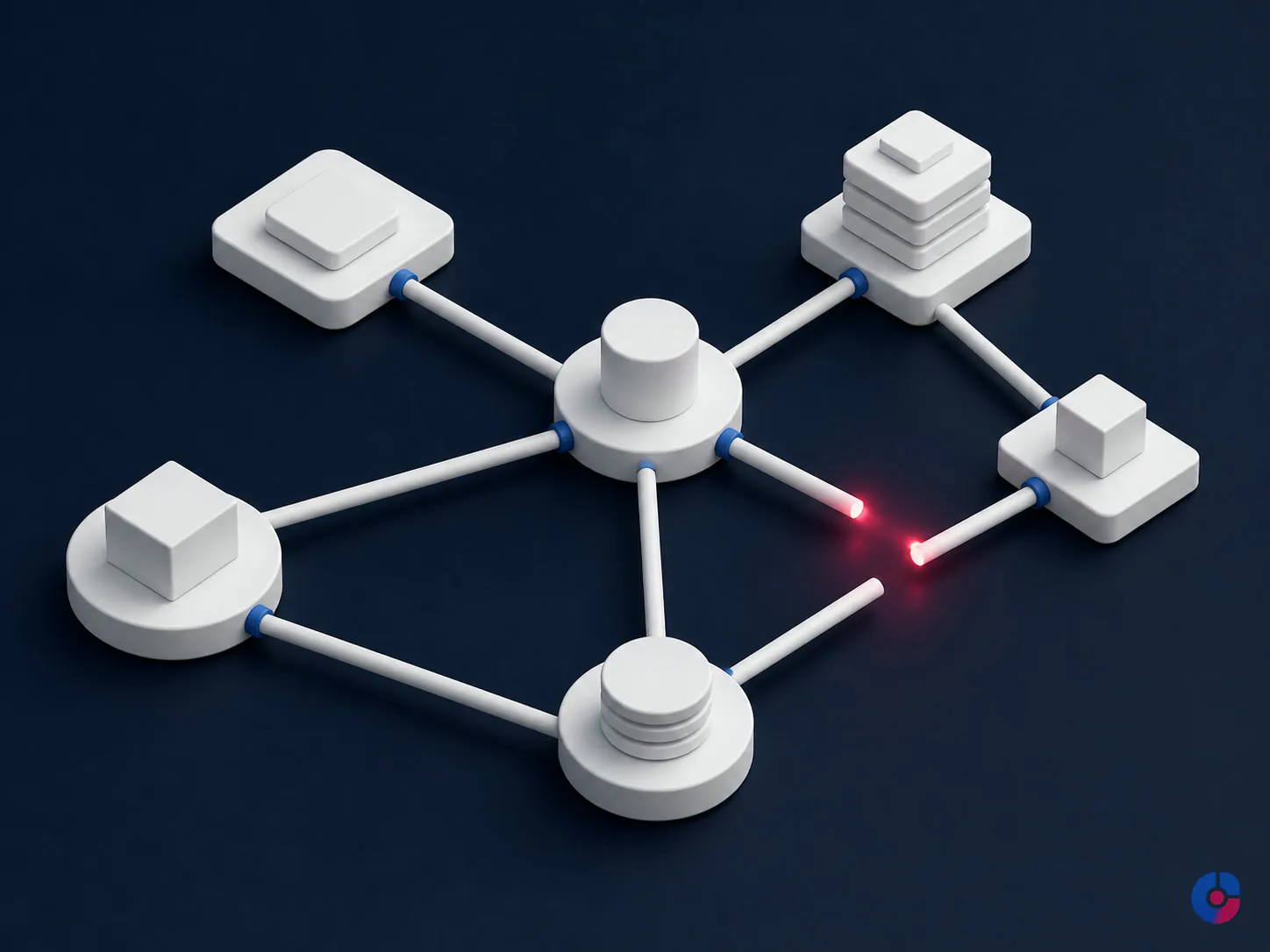
No single application appears broken, so no vendor owns the whole incident. Store support can see the order. Shipping support can see that no record arrived. The connector provider asks for an error log. Meanwhile, staff reconstruct missing transfers, check duplicates, issue refunds and explain delays. The costly failure happened in the seam.
The failure nobody is paged for
A modern operating stack is assembled gradually: ecommerce or booking platform, payment provider, CRM, email service, inventory tool, shipping system, analytics, accounting software and specialist apps. Different people selected them at different times. Each product can be functioning according to its own status page while the business process between them has failed.
The absence of an alert is part of the problem. An automated workflow sends an error to the personal inbox of the employee who installed it, and that person left months ago. A sync records “success” because the request was accepted, although a required field was dropped later. A monthly plan reaches a task limit and pauses quietly. Customers become the monitoring layer.
Calculate the cost of a bad incident from your own operation: staff hours to identify and rebuild records, delayed fulfilment, refunds or credits, paid traffic sent to an impaired journey, vendor or developer fees, and management time. Add the relationship cost separately rather than inventing a universal downtime price. One incident may justify support; a low-volume, non-critical stack may justify documentation and an on-call arrangement instead.
“It worked yesterday” is a structural condition
Connected software changes even when the business does nothing deliberately. A platform updates its data model. An app changes version. A credential expires or is revoked. An administrator leaves and their personal token disappears. A subscription hits a usage, storage or rate limit. Two apps write competing values into the same customer field. A new permission policy blocks a process that previously inherited broad access.
This is stack entropy: the normal accumulation of change across separately managed services. It is not evidence that the owner chose every tool badly. It does mean that “set and forget” is not an operating model. The business needs an inventory, named ownership, health signals, documented dependencies and a repeatable incident response.
Most incidents do not begin as development work. First-line resolution often depends on finding the right account, confirming what changed, refreshing an authorised credential, correcting a mapping, restoring a permission or giving vendor support usable evidence. A developer becomes necessary when code, architecture or a custom integration must change. Sending every incident straight to a developer can waste paid diagnostic time; treating a real build defect as a support ticket wastes more.
Map the stack before the next incident
Create a living stack register with one row per application, service and important connector. For each, record:
- business purpose and processes that stop if it fails;
- business owner, technical or support owner and approved escalation contact;
- vendor, account identifier, plan and renewal date;
- connected systems and the direction, frequency and method of data flow;
- data objects moved, source of truth and expected record counts;
- administrator ownership, service accounts and where credentials are managed;
- support entitlement, status page and ticket route;
- health check, normal signal, alert destination and last verified date;
- change history, known issues and recovery or manual-continuity procedure.
Draw the most important flows. “Store → connector → warehouse → carrier” is more useful during an incident than a list of logos. Mark which steps are synchronous, delayed or manually approved. Identify the source of truth for price, inventory, customer and order status. If two tools both claim authority over the same field, resolve that design before it produces another loop or overwrite.
NIST’s small-business guidance recommends creating and maintaining an inventory of the hardware, software, systems and services a business relies on. See the NIST Cybersecurity Framework 2.0 small-business guide. A stack map extends that inventory with the business dependencies needed for support.
The first 30 minutes: triage before repair
The first responder’s job is to establish impact, preserve evidence and prevent the problem from growing. They should not click through settings at random. Open an incident record, appoint one coordinator and timestamp every important observation and action.
Establish the blast radius and trading impact
Define what is affected: all users or one, every order or a subset, production or a test environment, one channel or the whole journey. Test the customer path safely. Check whether payments, bookings, fulfilment, access, privacy or financial records are at risk. Assign a severity based on business impact and urgency, not on how technical the message looks.
If money is being taken without deliverable orders, sensitive data may be exposed or records are being corrupted, invoke the relevant incident and continuity owners immediately. Platform troubleshooting is not a substitute for a security, privacy, legal or financial incident process.
Determine what changed and when
Find the last known-good transaction and first confirmed failure. Capture exact timestamps with time zone, record identifiers, error text, screenshots, recent deployments, app updates, credential or permission changes, plan usage and staff access changes. Compare a successful item with a failed one. Ask what changed in every connected service, not only the screen where the symptom appeared.
Contain before you fix
Containment may mean pausing an automation that is creating duplicates, disabling an affected checkout method, switching to a documented manual queue, removing a compromised token or preventing further writes to a disputed field. Choose the least disruptive reversible action that limits harm. Communicate what users should and should not do.
Preserve logs and samples before refreshing credentials, reinstalling an app or replaying records. Take a configuration snapshot where the platform permits. NIST’s current incident-response publication emphasises preparedness, detection, response, recovery and improvement as connected risk-management activities; see NIST SP 800-61 Revision 3. A small business can apply that discipline without building a security operations centre.

Five failure categories and their resolution paths
1. Authentication and credential expiry
Symptoms: synchronisation stops suddenly, a connector returns unauthorised errors, or one person can connect while the scheduled service cannot. Usual causes: expired token, password rotation, revoked scope, disabled former employee or failed service-account renewal. Path: confirm the affected identity and scopes, review audit history, reauthorise through an approved owner, test one record, then confirm the full sync. Do not paste new credentials into a ticket or chat.
2. Integration or API failure
Symptoms: records queue, webhooks fail, data arrives late or a once-valid field returns an error. Usual causes: changed endpoint or schema, app version conflict, rate limit, malformed payload or connector outage. Path: isolate a failed transaction, capture request and response information without exposing secrets, check vendor status and change notes, confirm limits, then escalate with reproducible evidence. Replay only after checking idempotency and duplicate risk.
3. Permission and access failure
Symptoms: a user can view but not edit, one location disappears, or an automated process loses access to an object. Usual causes: role change, new least-privilege policy, account ownership tied to a leaver or plan-level restriction. Path: compare the required action with the approved role, review recent permission events and grant only the missing capability through a named account. Avoid fixing a narrow issue with permanent full administrator access.
4. Data mismatch and duplication
Symptoms: two customer records, stock differs between channels, status reverts or totals disagree. Usual causes: unclear source of truth, mapping change, retry without a unique key, inconsistent time zone or two-way writes. Path: stop corrupting writes, quantify the affected set, identify authoritative fields, reconcile samples, design a controlled repair and validate totals. Never bulk-delete or replay before preserving a backup or export and obtaining approval.
5. Performance or capacity constraint
Symptoms: intermittent timeouts, a queue grows during peaks or jobs complete hours late. Usual causes: plan task limit, API throttling, storage threshold, oversized query, traffic peak or downstream congestion. Path: compare demand and capacity over time, remove a runaway job, schedule non-urgent work, optimise the bottleneck or change capacity. An upgrade is justified only if evidence shows that the plan—not a defect—is the constraint.
Get useful answers from vendor support
A ticket titled “integration broken, urgent” makes the vendor reproduce discovery work. Use a compact incident brief:
- account and environment identifiers, without passwords or secret tokens;
- business impact and whether the problem is continuing;
- first failure and last known-good timestamps with time zone;
- two or three affected record IDs and one successful comparison;
- exact steps to reproduce and exact error text;
- relevant screenshots or sanitised log excerpts;
- recent changes and tests already performed;
- the specific question or action requested.
Ask for a ticket number, severity, owner and next-update time. Keep one person responsible for follow-up so the conversation does not fragment. When vendors point across an integration boundary, translate their claims into evidence: ask vendor A for the timestamp and outbound response; give it to vendor B and request the matching inbound log. The stack owner manages the seam even when neither provider accepts end-to-end responsibility.
Monitoring means a signal reaches an owner
A green status page cannot prove the business journey works. Combine service status with synthetic and reconciliation checks suited to the process:
- test website availability and a safe checkout, booking or form path;
- compare source and destination record counts each day;
- alert on queue age, repeated errors, failed webhooks and expiring credentials;
- route application errors to a monitored shared queue, not an installer’s inbox;
- review plan usage, storage, renewals and integration health weekly;
- test the manual-continuity route and alert ownership periodically.
Every alert needs a threshold, owner, response expectation, runbook and escalation. Too many low-value alerts teach people to ignore them. Start with the business failures that customers would notice and tune from actual incidents. Monitoring should use test data designed not to create fulfilment, charge a real customer or pollute reporting.

Make the same incident new only once
After service is restored, create a known-issue entry: visible symptom, affected systems, business impact, confirmed cause, diagnostic check, safe fix, validation, owner, prevention and date last tested. Link the vendor ticket and change record. Remove secrets and personal data.
Separate workaround from permanent correction. “Refresh the token” may restore service; “move the connection from a personal account to an owned service identity and monitor expiry” prevents recurrence. Review whether detection should have happened earlier and whether the stack map changed. A five-minute future resolution is earned through ten minutes of disciplined closure today.
Choose ownership to match the stack
A technically curious internal employee can own a small, stable stack when troubleshooting is infrequent and time is explicitly reserved. The failure mode is unofficial ownership: everyone depends on them, but incident work competes with their real job.
Individual vendor plans are useful for deep product knowledge and product-specific defects. They do not own cross-product flows. Maintain them for critical platforms, but keep an internal or external coordinator.
An on-call freelance developer fits infrequent incidents involving custom code or complex integration changes. Agree availability, access and minimum context before the emergency. Do not pay development rates to rediscover plan renewals and undocumented logins.
A dedicated remote support resource fits a changing stack with several critical data flows, recurring app maintenance and incident volume sufficient to justify continuity. The resource owns the map, monitoring, first-line triage, vendor liaison and knowledge base, then escalates build work to developers. A shared managed arrangement can fit lower volume.
Standby capacity may feel underused in a quiet month. Price it against the cost and probability of one bad incident and the value of preventive maintenance. If the stack is small, the right answer may be a documented monthly review plus on-call escalation—not a full-time role.
Access without universal administrator rights
Create individual named accounts, grant the lowest role that supports the task and use temporary elevation for rare privileged actions. Keep admin ownership with the business, enable strong multifactor authentication and retain audit logs. The UK NCSC recommends MFA for users accessing sensitive data, separate privileged accounts from day-to-day activity and review unnecessary privileges; see its identity and access management guidance.
Where a platform forces credential sharing, store the secret in an approved organisational password manager with controlled groups, access logging, strong authentication and joiner/leaver administration. The NCSC’s password manager guidance describes those controls. Never send a password through email or keep it in the stack-map spreadsheet.
Maintain an emergency “break glass” route owned by the business, heavily protected and monitored. Test that access can be recovered if the support provider or a key employee is unavailable. Revoke access promptly at role change or exit and rotate any shared secret the person could reveal.
What a support arrangement covers
OveliTHub’s platform troubleshooting services can cover stack mapping, first-line triage, routine credential and plan-renewal coordination, health checks, known-issue documentation, vendor liaison and controlled validation. For commerce operations, an ecommerce administration team can own daily queues while troubleshooting handles the underlying seam.
Scope exclusions matter. Security incidents, suspected data breaches, legal notifications, financial fraud and regulated decisions must invoke specialist client procedures. Custom code, architectural redesign and material integration changes move to an approved development statement of work. The support owner packages reproduction evidence and preserves continuity during escalation.
A 30-day plan to stop losing days
- Days 1–7: inventory. List services, owners, administrators, renewals, criticality and vendor support. Map the three flows whose failure would affect trading most.
- Days 8–12: control access. Move ownership from personal accounts, create named roles, enable appropriate MFA, configure an organisational credential manager and close leaver gaps.
- Days 13–18: install signals. Add journey checks, record-count reconciliation, queue-age alerts and a monitored incident channel.
- Days 19–24: write triage. Define severity, first 30 minutes, containment approval, evidence capture, vendor brief, communication and specialist escalation.
- Days 25–30: assign and test. Name primary and backup owners, simulate one broken sync, test continuity, correct the map and set monthly health review.
Keep reading
Related insights

Shopify Store Support Services: A Guide
A Shopify store needs weekly upkeep, not occasional fixes. See the support tasks that protect revenue, who should own each, and what…

Shopify vs WooCommerce: Which to Choose
Shopify and WooCommerce both work. The difference is who carries the maintenance and where the cost lands. Compare both against your team…

How to Choose a Web Development Company
Choosing a web development company in the USA or Europe? Use these nine selection criteria to judge proposals, ownership terms and post-launch…