

Marketing & creative
WordPress vs Custom CMS Development
A custom CMS buys control and a permanent maintenance bill. Compare both against your content model, team and five-year plan before you commit.
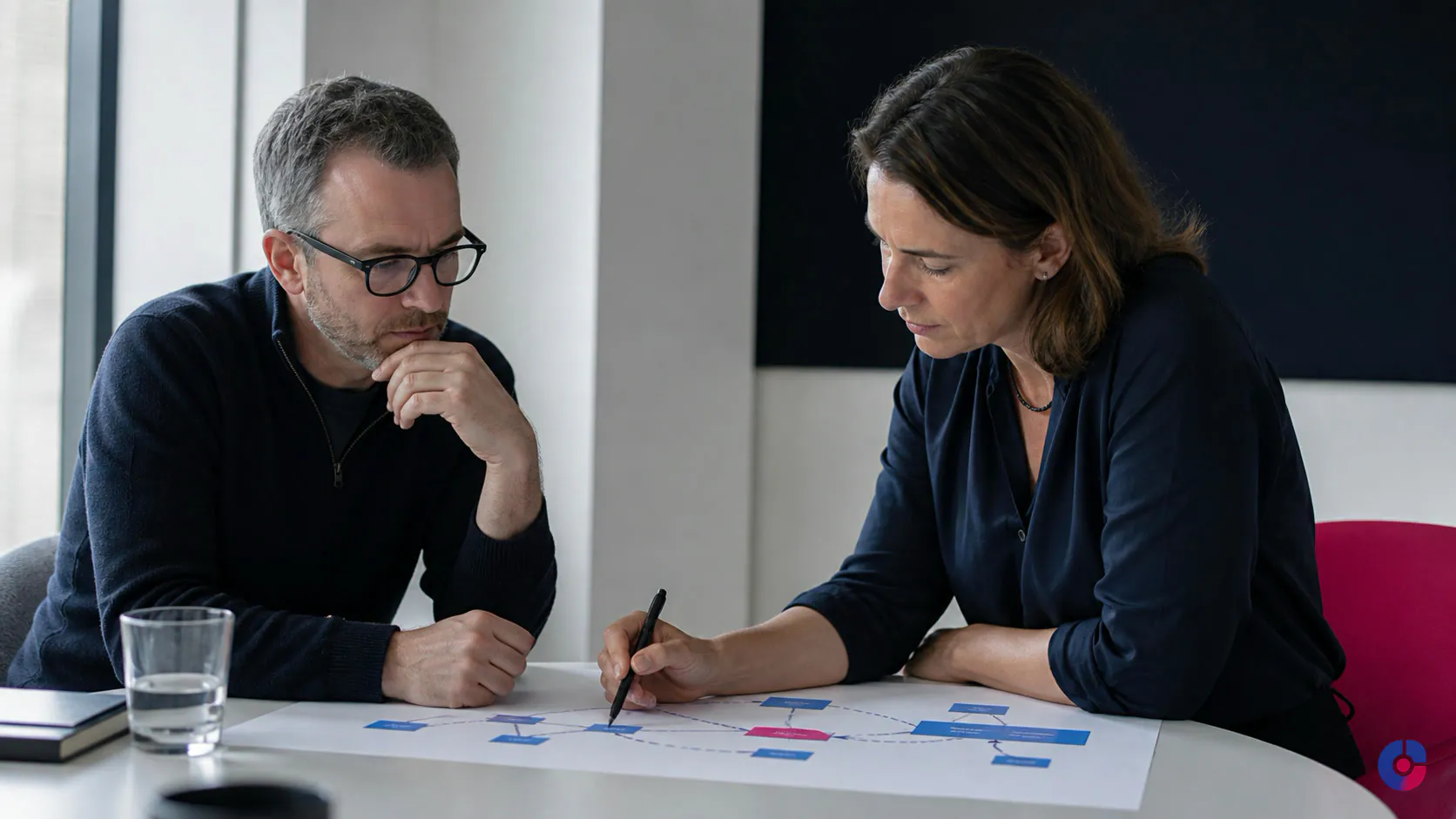
One vendor recommends WordPress because it is established, familiar and economical. Another says a serious organisation needs a bespoke platform. Neither recommendation is comparable until both vendors evaluate the same content, users, integrations, operating team and ownership period.
The WordPress versus custom CMS decision is not a contest between “standard” and “professional.” It is a decision about the software the organisation will own, change and recover after launch. The most important costs often arrive later: who maintains it, which people can work on it, and what happens if the original development relationship ends.
The default should be to use a maintained general-purpose platform when it expresses the requirements cleanly. Custom development becomes justified when the organisation can state the mismatch precisely—for example, a content model or integration workflow that creates more fragile workarounds in an existing system than a purpose-built application would require. “We want something unique” is not yet that sentence.
You are being sold a philosophy, not a comparison
Specialists naturally see problems through their preferred architecture. The buyer needs a shared decision record that both proposals must answer:
- What content types, fields, relationships, workflows and destinations exist?
- Who creates, reviews, approves, localises and archives content?
- Which systems exchange data, in which direction, at what frequency and with what failure consequence?
- Which non-functional requirements apply: availability, security, privacy, accessibility, performance and recovery?
- Who operates, updates and extends the result for five years?
- How can the organisation export its content and move to another supplier?
Ask each vendor to map its solution to that record, list assumptions and name the costs excluded from the quote. The objective is not identical architectures; it is comparable accountability.
What each option actually is
WordPress is open-source content-management software with an established editor, themes, APIs, user roles and a broad extension ecosystem. Its plugin model allows a team to add supported capabilities without building each one. That same model can create overlap, compatibility work and security exposure when extensions are selected without discipline.
A well-built WordPress site has a defined content model, restrained extension policy, controlled environments, updates, backups and an exit path. Editors use patterns and fields designed for their tasks.
A custom CMS is software designed and implemented for one organisation’s content and workflow. It can enforce an exact model, remove irrelevant controls and integrate deeply with business systems. It also creates an application that the organisation must secure, test, document, host, update and staff. There is no broad user base exercising the exact code, and replacement developers must learn it.
Headless or decoupled architecture is a third position, not a synonym for custom CMS. A maintained platform exposes structured content through APIs while custom front ends render it. This supports multi-channel publishing but adds application layers, preview complexity, deployment coordination and integration ownership.
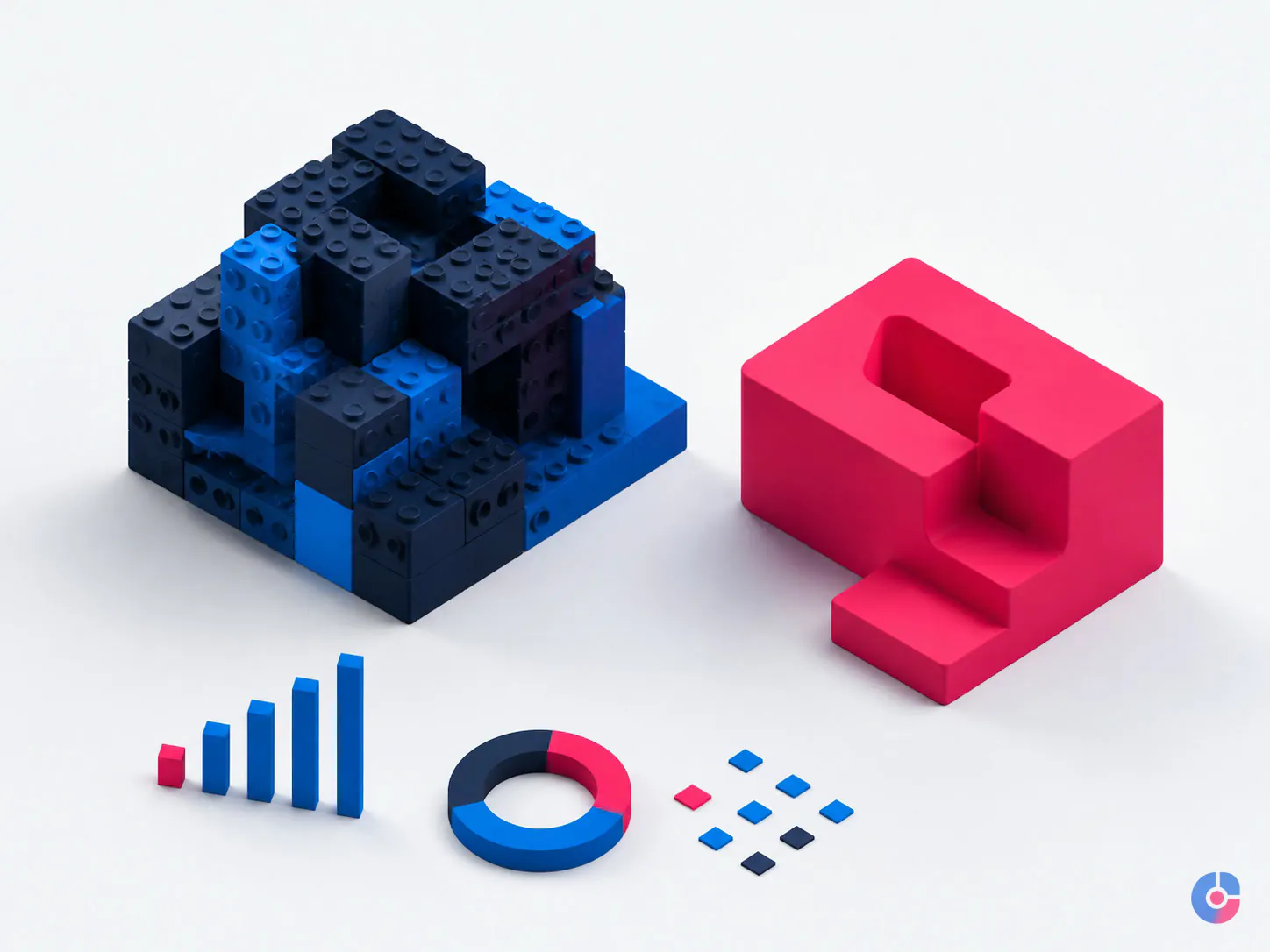
Four myths that distort the decision
Myth 1: WordPress is inherently insecure
No internet-facing CMS is secure merely because of its name. Risk depends on the whole implementation: supported software, extension selection, credentials, privileges, hosting, configuration, monitoring, release controls and response readiness. WordPress’s official hardening guidance describes security as risk reduction through layers and specifically calls for keeping plugins updated and deleting unused ones.
A neglected installation with abandoned plugins and shared administrator passwords is a poor business system. Require a component inventory, update ownership, least privilege, protected backups, staging, logs and incident procedures.
Myth 2: WordPress cannot scale
“Scale” must identify a workload: public reads, logged-in sessions, searches, publishing volume, media delivery, API traffic, languages, traffic spikes or editorial concurrency. Architecture and operations determine the result. Efficient templates and queries, suitable caching, a CDN, image handling, database design, supported extensions, adequate infrastructure and load testing matter more than a generic label.
WordPress can still be the wrong fit when the product’s core behaviour demands highly specialised real-time state, permission logic or transactional workflows that fight its model. That is a requirements mismatch, not proof that every high-traffic content site needs bespoke software.
Myth 3: Custom software is secure because attackers do not know it
Unfamiliarity is not a security control. Bespoke code can reduce an unnecessary public attack surface and precisely restrict workflows, but it can also contain design and implementation defects that few people have reviewed. Security depends on threat modelling, secure engineering, dependency management, testing, access control, logging, patching and response—not obscurity.
Ask who reviews the code, scans and updates dependencies, manages secrets, tests authorisation boundaries, receives vulnerability reports and patches the application after handover. A custom CMS without funded maintenance is frozen risk, not permanent safety.
Myth 4: A custom CMS is cheaper because it has no plugin licences
Licence renewals are visible. Custom maintenance is often less visible in the sales comparison. Features that an established product or extension already maintains—editor controls, revisions, media, redirects, authentication, search, forms, localisation, audit history or integrations—must be designed, implemented, tested and supported somewhere.
A bespoke build can be cheaper over its life when it replaces costly workarounds and the organisation genuinely needs the exact capability. The calculation must include build, hosting, security work, dependencies, regression testing, editor support, training, change requests, documentation, continuity and eventual migration.
Start with the content model
A content model describes meaning and relationships rather than page appearance. A “case study” may contain a client sector, challenge, services, outcomes, people, related capabilities, region and approval state. Those fields can drive page templates, filters, feeds, related content and external channels. If editors paste the same client details into several pages, the content is structured in practice but not in the system.
Map:
- content types and the purpose of each;
- required, optional, repeatable and conditional fields;
- relationships between content, taxonomies and people;
- draft, review, legal, localisation and publication states;
- permissions by role, region or content state;
- revision, scheduling, expiry and archive rules;
- destinations such as the website, app, partner feed, email or in-product help; and
- expected changes to the structure over the next several years.
Many corporate, publishing, lead-generation and resource-library models fit WordPress comfortably through registered content types, taxonomies, fields, blocks, templates and APIs. Strain appears when the site behaves more like an operational product: dense object relationships, unusual fine-grained permissions, complex state machines, multi-destination composition or domain logic that must be enforced in every interaction.
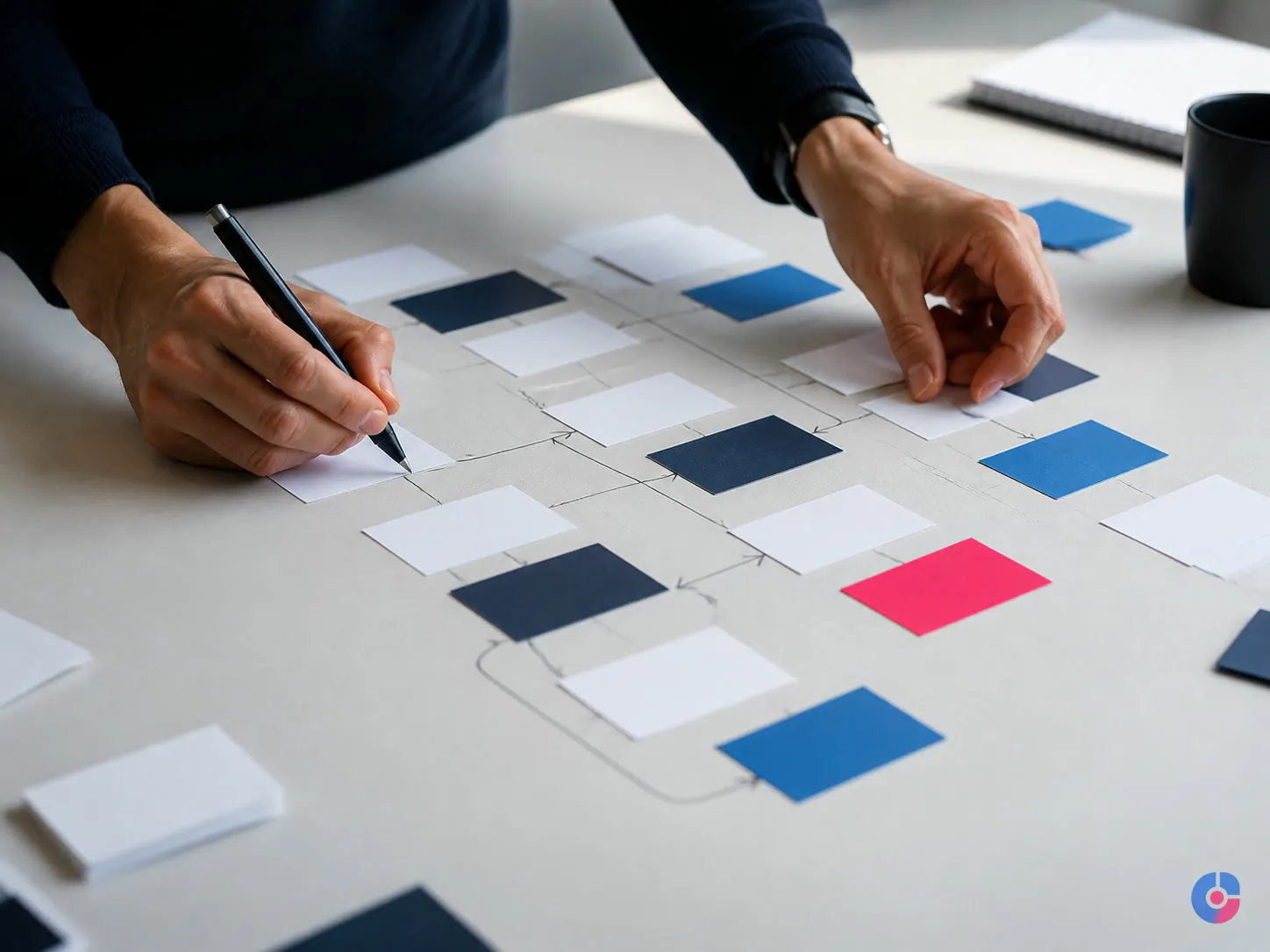
The signal that a general-purpose CMS is being stretched
Warning signs are operational:
- editors enter the same fact in several locations and must keep copies aligned;
- a developer is required for routine publication or an ordinary new content relationship;
- structure is enforced by staff memory rather than validation;
- plugins overlap because none represents the underlying model;
- permissions are broader than policy because the required boundary cannot be expressed;
- integration failures create silent inconsistency; or
- preview, revision and approval no longer represent what reaches each destination.
These signs justify an architecture review, not an automatic rebuild. WordPress may need a disciplined remodel with less plugin duplication. A headless product may fit the content but need custom presentation. A custom CMS may be justified when the domain rules themselves are the product.
Who edits the site, and how often?
Editorial capability is a first-order requirement. A familiar interface and a large labour pool can reduce training and continuity risk. A bespoke interface can be much better when it removes irrelevant options and matches a specialised workflow. Either can fail if designed without the people who publish.
Test prototypes with actual editors. Give them representative tasks: create a multilingual campaign, relate a case study to three services, replace an asset everywhere, schedule a change, restore a revision, request approval and correct a broken link. Observe errors, questions, time and workarounds. Do not let a developer demonstrate only the happy path.
Also test governance. Can an editor change page structure that should remain controlled? Can legal reviewers see what changed? Can a local team edit only its region? Can a content publishing assistant complete routine work without administrator rights? The editor experience and permission model affect ongoing cost as directly as the public front end.
Integrations are where complexity often lives
List every CRM, ERP, PIM, DAM, booking, payment, membership, identity, search, analytics, translation and messaging connection. For each, document:
- the system of record and data owner;
- objects and fields exchanged;
- direction, frequency, volume and latency;
- authentication, personal data and retention;
- validation, duplicates and conflict resolution;
- retry, alert, reconciliation and manual recovery; and
- vendor support, API versioning and exit conditions.
An established connector can reduce initial build, but its mapping may not fit. Custom code can implement exact rules, but someone must own API changes and failed jobs. Compare the maintained connector plus acceptable process change with custom code plus permanent support.
Headless does not remove integration complexity. It redistributes it among the content platform, API layer, front end, search, preview and deployment process. Draw the data flow and assign every boundary before calling the architecture flexible.
The five-year ownership question
Before approving either architecture, answer three questions in writing.
Who applies security and compatibility updates?
Name the party, cadence, environment, testing scope, emergency response and budget. WordPress needs core, plugin, theme, hosting and custom-code maintenance. Custom software needs framework, runtime, package, infrastructure and application maintenance. “The host handles it” and “the developer will be available” are not service definitions.
Who can extend it if the original developer is unavailable?
Assess the labour market and learning burden. Standard languages and frameworks, conventional architecture, automated tests, clear local setup and current documentation reduce concentration risk. One developer who alone understands a bespoke system is a business-continuity dependency, even if the code is excellent.
What happens when the agency relationship ends?
The contract and repository should establish code ownership or licence rights, content ownership, design and asset rights, domain and cloud-account control, third-party licences, credentials, deployment access, documentation, data export, transition assistance and deletion. The client should control or have recoverable access to critical accounts from the start.
For a custom build, require an architecture decision record, data model, API specification, dependency inventory, environment setup, deployment and rollback instructions, backup/restore procedure, test suite, security contacts and editor manual. Use code review or an independent technical review before final acceptance. For WordPress, require the same operational clarity plus a plugin/theme inventory and customisation boundaries.
OveliTHub’s web development services can scope either path. Book a free consultation with the content inventory, integration list, editorial roles, existing constraints and current vendor proposals; the output should be a decision record, not a predetermined platform pitch.
Model total cost across the life of the site
Complete this model using the actual quotes and internal labour costs. Use a common five-year horizon, separate one-time and recurring costs, and show low, expected and high change scenarios.
| Cost category | WordPress questions | Custom CMS questions |
|---|---|---|
| Discovery and build | Model, design system, configuration, custom code, migration | Product discovery, editor, workflows, APIs, migration |
| Hosting and environments | Managed host, CDN, staging, backups, monitoring | Application, database, storage, CDN, environments, operations |
| Software | Premium plugins, themes, search, forms and licences | Framework services, packages, search, identity and commercial APIs |
| Maintenance | Updates, compatibility tests, security and extension replacement | Runtime/dependency updates, regression tests, security and bug fixes |
| Editorial operations | Training, publishing effort, governance and support | Training, bespoke-editor support and workflow changes |
| Change | Configuration, new extension, custom feature or remodel | Design, implementation, testing and deployment of each feature |
| Continuity and exit | Handover, replacement vendor, export and replatforming | Documentation, code onboarding, data export and migration |
Add expected internal time for procurement, content migration, acceptance testing and vendor management. Do not count every WordPress renewal while assuming custom engineering after launch will be free. Conversely, do not assume plugins will express a difficult domain model without ongoing workaround cost.
Performance, accessibility and SEO follow implementation
No CMS automatically earns performance, accessibility or search visibility. A custom front end can be extremely fast or ship excessive JavaScript. A WordPress site can be lean or burdened by a theme and extensions. Both can generate inaccessible controls, poor heading structure, duplicate URLs or blocked resources if implemented badly.
Require measurable acceptance criteria:
- Performance: set page-type and device targets using representative field conditions. Current web.dev Core Web Vitals guidance defines “good” as LCP no more than 2.5 seconds, INP no more than 200 milliseconds and CLS no more than 0.1, evaluated at the 75th percentile. Add availability, error-rate and page-weight budgets appropriate to the service.
- Accessibility: specify the applicable legal and policy requirements and test with both automated and human methods. W3C’s WCAG 2 overview defines A, AA and AAA levels; AA includes all A and AA success criteria. Scope the conformance target explicitly and include editor-created content and third-party components.
- Search: require crawlable renderable content, stable URLs, intentional redirects, canonicals, metadata, status codes, sitemaps, structured data where eligible and migration monitoring. Google’s ranking-systems guide describes page-level systems and a variety of signals, not a preferred CMS brand.
Test representative templates and workflows before acceptance. A homepage score does not prove article, search, form, login or campaign pages comply. Preserve URL and metadata mappings during migration and validate the deployed output rather than the CMS configuration screen.
A decision framework a board can inspect
- Describe the content model. Map types, fields, relationships, workflow, permissions, destinations and likely change.
- Map integrations. Identify systems of record, data flows, failure handling, security and maintained connector options.
- Name the editors. Test real publishing tasks and governance with representative users.
- State non-functional requirements. Define security, availability, recovery, performance, accessibility, privacy and SEO acceptance evidence.
- Write the five-year maintenance plan. Name owners, skills, environments, update/test cadence, budget, handover and replacement options.
- Price the same scenarios. Compare build, run, change and exit under low, expected and high demand.
- Choose the least complex architecture that meets the evidence. Record why rejected options created material risk or cost.
Choose disciplined WordPress when the content and workflows fit its model, maintained extensions cover genuine needs, editors benefit from familiarity, and the organisation wants a broad support market.
Choose a headless or decoupled product when structured content must serve several destinations or the front-end experience needs independent delivery, and the organisation can operate the additional applications and preview/deployment workflow.
Choose a custom CMS when distinctive content relationships, permissions, workflow or integration logic are central to the product and off-the-shelf workarounds cost more over time. Fund product ownership, testing, security, documentation and continuity from the beginning.
If the architecture is already decided and the next question is supplier evaluation, use the separate guide to choosing a web development company.
Choose what the organisation can still run in five years
A platform decision is sound when the content fits, editors can work, integrations recover from failure, standards are testable and another qualified team can take over. WordPress often meets that requirement with lower initial complexity. Custom software earns its cost when the organisation can name the domain mismatch and maintain the resulting product.
Do not buy a philosophy. Buy an ownership model whose build, run, change and exit costs are visible—and whose continuity does not depend on one person remembering how everything works.
Keep reading
Related insights

BPO Services for Digital Marketing: Benefits
Marketing teams stall on execution, not ideas. See which marketing functions a BPO model absorbs, what it returns in hours, and where…
What SEO Services Actually Deliver
SEO is four separate disciplines sold as one word. See what each part does, what results it can produce, and how to…

What a Social Media Assistant Owns
Posting is the easy part. See which social media tasks a virtual assistant can own, which need your voice, and how to…