

Web & data
How to Improve CRM Data Quality
Bad CRM data costs forecast accuracy and selling hours. See the field standards, deduplication routine and support model that keep records usable.

The forecast meeting that could not be trusted
The sales team opens its quarter view. Three of the largest opportunities are duplicates created by different forms and sellers. Two deals have no dated next step. Several close dates moved automatically or manually to the last day of the quarter, where they have remained through two reviews. Nobody can explain whether the apparent pipeline is active, delayed or dead.
Leadership still needs a hiring, cash and delivery plan, so it applies a discount to numbers nobody believes. Salespeople keep their own notes because the CRM feels wrong. Operations adds more required fields to improve reporting, which makes entry slower and avoidance worse.
This is a design and operating problem, not a character judgement. Improve CRM data quality by reducing fields to those that support decisions, defining them precisely, preventing duplicates and splitting immediate seller judgement from supportable entry work.
Why the CRM is empty, and it is not discipline
Salespeople experience entry as friction when the system asks for information they do not have, repeats details available elsewhere, requires reporting fields that never help a conversation, or hides the useful record behind several screens. Training cannot fix a form designed without regard for the moment of use.
Unclear definitions create another form of emptiness. One seller uses “qualified” after a discovery call; another uses it when an account fits a profile; a third waits for confirmed budget. The field is populated, but the pipeline is not comparable. A mandatory value does not create shared meaning.
There may also be no personal payoff. Sellers enter next steps, but the review ignores them and asks for a separate spreadsheet. They log source, but attribution reports never return to the team. If management bypasses the CRM whenever a decision matters, the system teaches users that data entry is ceremonial.
Fix the workflow around the seller: ask only what can be known now, return useful prompts and context, use the record in meetings, and move standard completion work to a support function. Keep seller accountability for facts and judgement that nobody else witnessed.
Decide which fields actually matter
Export the field inventory for company, contact, deal, activity and any custom objects. Include field type, options, required state, automation, report usage, last-populated date, owner and integrations. Then classify every field:
- Decision-driving: the value changes routing, priority, qualification, forecast, compliance, customer treatment or the next action.
- Useful: the value saves research or gives context but does not block the current decision.
- Historic or unowned: nobody can name a current decision, workflow or obligation that uses it.
Challenge every required field. Remove it, archive it under change control or make it optional when no named decision uses it. Confirm integration and reporting impact before deletion. Historic data may need retention or migration, so “delete” is not a casual clean-up instruction.
For every surviving field, write one sentence covering meaning, authoritative source, allowed values, entry moment, owner and treatment of unknown. Define stages with entry and exit criteria rather than hopeful labels. “Proposal” might mean an approved proposal was issued to the identified decision process on a recorded date—not “the seller intends to write one.”
Add a rule for missing information. “Unknown” can be more truthful than a guessed value. Do not make staff enter fake dates or generic options merely to save a record. A report built on compelled guesses is complete and wrong.

The five records that must be right
Company: establish the organisation’s canonical identity, domain, legal or trading relationship and ownership. If it is wrong, contacts and deals fragment across duplicates and account history disappears.
Contact: record the individual’s current role, relationship to the opportunity, permitted contact details, source and preferences. If it is wrong, teams contact the wrong person, mishandle objections or attach activity to a departed employee.
Deal stage: use evidence-based entry and exit criteria. If it is wrong, forecasts compare different levels of buyer commitment under one label.
Next step with a date: state who will do what by when and the expected evidence. If it is missing, an “open” deal may have no active sales motion.
Source: preserve original and, where needed, latest source under a declared attribution rule. If it is overwritten or guessed, acquisition decisions use invented history.
The deduplication routine
Back up or export according to policy, document the tool’s merge behaviour from its current official documentation and test on a non-production or small reversible sample. HubSpot, Salesforce, Zoho and Pipedrive differ in record models, automation, association, history and permissions; do not apply generic merge instructions to production.
1. Generate candidates with strong identifiers
For contacts, exact normalised email can be a strong signal, subject to shared and changed addresses. For companies, verified domain plus location or legal identifier is stronger than name. Names, phone numbers and addresses help but require normalisation and context. Do not auto-merge on a similar name alone.
2. Apply a written merge policy
Define the surviving record: commonly the record with verified identity, valid ownership, richest trustworthy history or required integration ID—not simply the newest. For each field, specify which value wins: verified current source, most recent timestamp, nonblank authorised value or manual review. Preserve source and audit history where the platform permits.
3. Route uncertainty to review
Create a queue for related subsidiaries, shared domains, common names, conflicting owners, multiple locations and records with live deals. Show the two records, matching evidence, conflicting fields, linked activities and recommended action. An authorised reviewer merges, relates, leaves separate or requests evidence.
4. Validate the result
Check activities, notes, consent or preference records, deals, tickets, owners, automation and integration identifiers. Sample both merged and rejected pairs. Reconcile record counts and keep an error rollback route.
5. Prevent recurrence
Search before creation, standardise forms and imports, use unique identifiers, validate integrations, govern bulk uploads and monitor duplicate candidates monthly. A yearly cleanup without creation controls guarantees another yearly cleanup.
What a CRM data entry function actually does
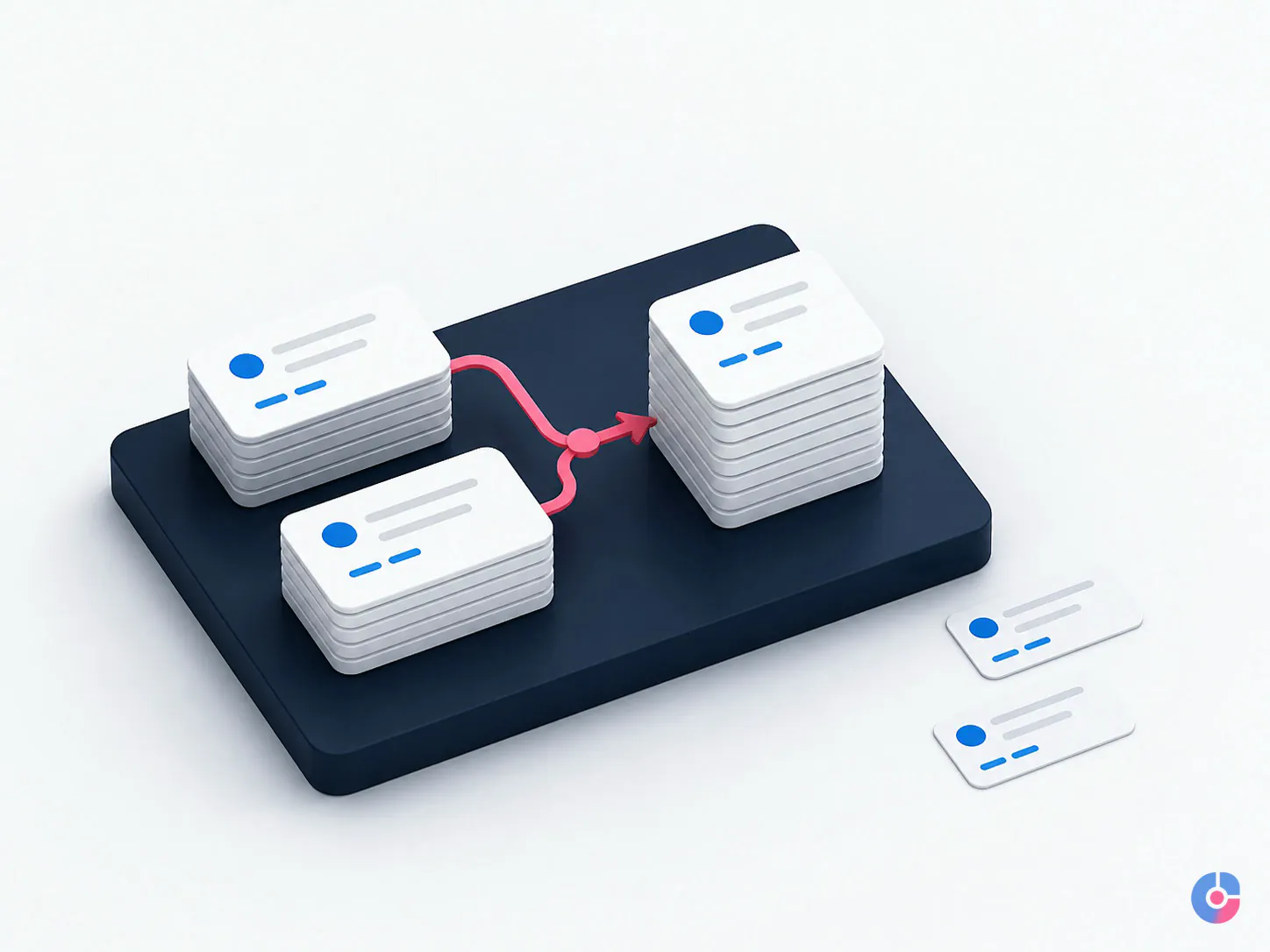
A support function can create and update records from approved calls, emails, forms, events and imports; normalise company names, phones, countries, dates and roles; enrich permitted business fields from authorised sources; attach or summarise activities to a standard; maintain lists and segments; and prepare exception queues before pipeline reviews.
It can also monitor missing decision-driving fields, identify stale ownership, surface open deals without dated next steps, reconcile source files and apply approved updates after a meeting. The work needs service windows, source hierarchy, data definitions, quality sampling and an escalation owner.
The seller must still capture what only the seller knows: the buyer’s stated problem, role in the decision, commitments, objections, commercial judgement, next action agreed and change in deal reality. Support can convert a voice note or structured summary into the CRM; it cannot infer whether enthusiasm was genuine or a deal is qualified.
Keep pipeline movement distinct from record maintenance. The sibling guide to CRM lead management for sales pipelines owns routing, follow-up and stage cadence. General high-volume entry is covered in when to outsource data entry.
The handoff between seller and support
Use a capture-complete agreement. The seller records the minimum immediately after the interaction: contact and company, date and channel, purpose, material facts, objection or risk, agreed next step, owner and date. The support function completes standard fields, formatting, association, source verification, approved enrichment and follow-up task setup within the agreed window.
A practical rule might be: “Seller submits the structured capture within two working hours of a material conversation; support updates the record by the next agreed service window and escalates conflicts without overwriting seller judgement.” Define weekends, time zones and urgent handoffs.
An unusable note
Good call. Interested. Follow up next week.
This note lacks the person, problem, evidence, decision process, commitment, action owner and date. A colleague cannot take over without asking the seller to reconstruct the call.
A usable note
30 Aug, discovery with Operations Director. Current issue: manual order exceptions require daily spreadsheet reconciliation across two sites. They will provide a sample exception file after internal approval by 2 Sep. Seller will send the security overview today. Next review: 4 Sep, 14:00 BST. No pricing discussed. Finance lead and IT owner still need identifying.
The usable note distinguishes fact from gap, names both parties’ actions and gives a dated next step. Support may standardise the date, relate the contact and create tasks; it should not convert “will provide a sample” into a committed purchase.

Enrichment, verification and the limits of automation
Automated enrichment can populate or suggest company domain, industry, size, location and role from approved data sources. Validation can flag malformed emails, phone formats, domain status and some duplicate candidates. Workflow automation can assign owners, require stage fields and surface stale records.
Every automated value needs source, timestamp, confidence and overwrite policy. Decide whether it fills blanks, proposes a review or replaces an existing value. Never allow a lower-trust source to overwrite a seller-verified fact silently. Review licence, permitted purpose, privacy, retention and international-transfer implications before connecting a provider.
Automation cannot reliably decide that two similarly named companies are the same legal and commercial account, that a subsidiary should share a parent record, that an old contact may still influence a deal, or that an opportunity remains genuine. Those are model, relationship and sales judgements. Route uncertainty to a human.
This page deliberately does not repeat a generic annual data-decay percentage. Contact changes differ by segment, market and source. Measure your own monthly invalid, changed and departed records by cohort. The specialised B2B data enrichment guide covers source evaluation and refresh policy.
Access, permissions and audit
Create a dedicated support role with the minimum objects, fields and actions needed. The team may need create and edit access for contacts, companies, activities and selected deal fields; it may not need revenue exports, bulk delete, workflow administration, user management, integration secrets or every sensitive note. Separate import, merge, export and delete authority where the platform allows.
Use named accounts, multi-factor authentication, approved devices, logging and periodic access review. Restrict bulk changes to an approved job with source file, field mapping, test sample, reviewer, rollback and reconciliation. Monitor unusual exports and high-volume edits under the organisation’s security plan.
If an external provider processes personal data on the organisation’s behalf and UK GDPR applies, the ICO’s current Article 28 contract guidance describes required processor terms such as documented instructions, confidentiality, security, subprocessors, assistance, audits and end-of-contract handling. Confirm roles and other market duties with qualified advisers.
At offboarding, disable the user, revoke sessions and integrations, transfer queues, preserve audit history, and handle exports, return and deletion under policy. Check scheduled workflows and personal API tokens; removing a visible user may not revoke every connection.
Measure data health
Configure a monthly dashboard or export so the review can be completed quickly and consistently. Record the exact filters and denominator.
- Duplicate candidate rate: candidate pairs or affected records divided by active records, separated by auto-safe and review-required rules. Do not call candidates confirmed duplicates.
- Decision-field completeness: share of in-scope records with valid, non-placeholder values for the small required set. Show unknown separately from blank.
- Open deals with a dated next step: require action, owner and future date, and inspect whether the text is specific enough.
- Activity capture: share of material interactions recorded within the service window under a defined channel set; avoid rewarding meaningless log volume.
- Time from valid enquiry to record: measure from receipt in an approved source to usable CRM creation, separating time awaiting required information.
- Stale and invalid rate: records flagged by verification, returned mail, seller evidence or age rule, segmented by source cohort.
Review the five core measures, top error causes, blocked decisions and one prevention change. Track trends after field or workflow changes; do not claim improvement from cleanup alone if the active record population changed.
Measure the mess before you clean it
Run duplicate candidates, completeness on the five core records, open deals with a dated next step, timely activity capture and enquiry-to-record time. Inventory fields and permissions. Use the baseline to choose between definition, cleanup, prevention, training and support.
OveliTHub provides CRM, data and analytics support alongside sales operations, with more than 130 projects delivered. Request a CRM data health check for a prioritised remediation plan rather than an indiscriminate bulk edit.
Keep reading
Related insights

Shopify Store Support Services: A Guide
A Shopify store needs weekly upkeep, not occasional fixes. See the support tasks that protect revenue, who should own each, and what…

Shopify vs WooCommerce: Which to Choose
Shopify and WooCommerce both work. The difference is who carries the maintenance and where the cost lands. Compare both against your team…

How to Choose a Web Development Company
Choosing a web development company in the USA or Europe? Use these nine selection criteria to judge proposals, ownership terms and post-launch…