

Web & data
Future of Web Development Trends
Most web trends are irrelevant to a business site. See the filter that separates safe adoption from expensive experiment, and what is actually changing.

Every January, a new web-development trend list declares that business sites must adopt a new framework, interface, AI feature or visual style. Each item is presented with the same urgency. None tells the project sponsor which customer problem it solves or whether it works reliably in the browsers people actually use.
A trend list is not a plan. A business website needs a decision method: confirm support, identify a commercial or risk measure, calculate lifecycle cost and test a fallback. That filter removes most novelty before it reaches a budget.
The future of web development trends matters less than whether a specific change improves speed, reach, accessibility, conversion, security or maintenance for this site. Framework choice is usually an implementation decision; the business decision is the capability and consequence.
Apply the browser-support filter first
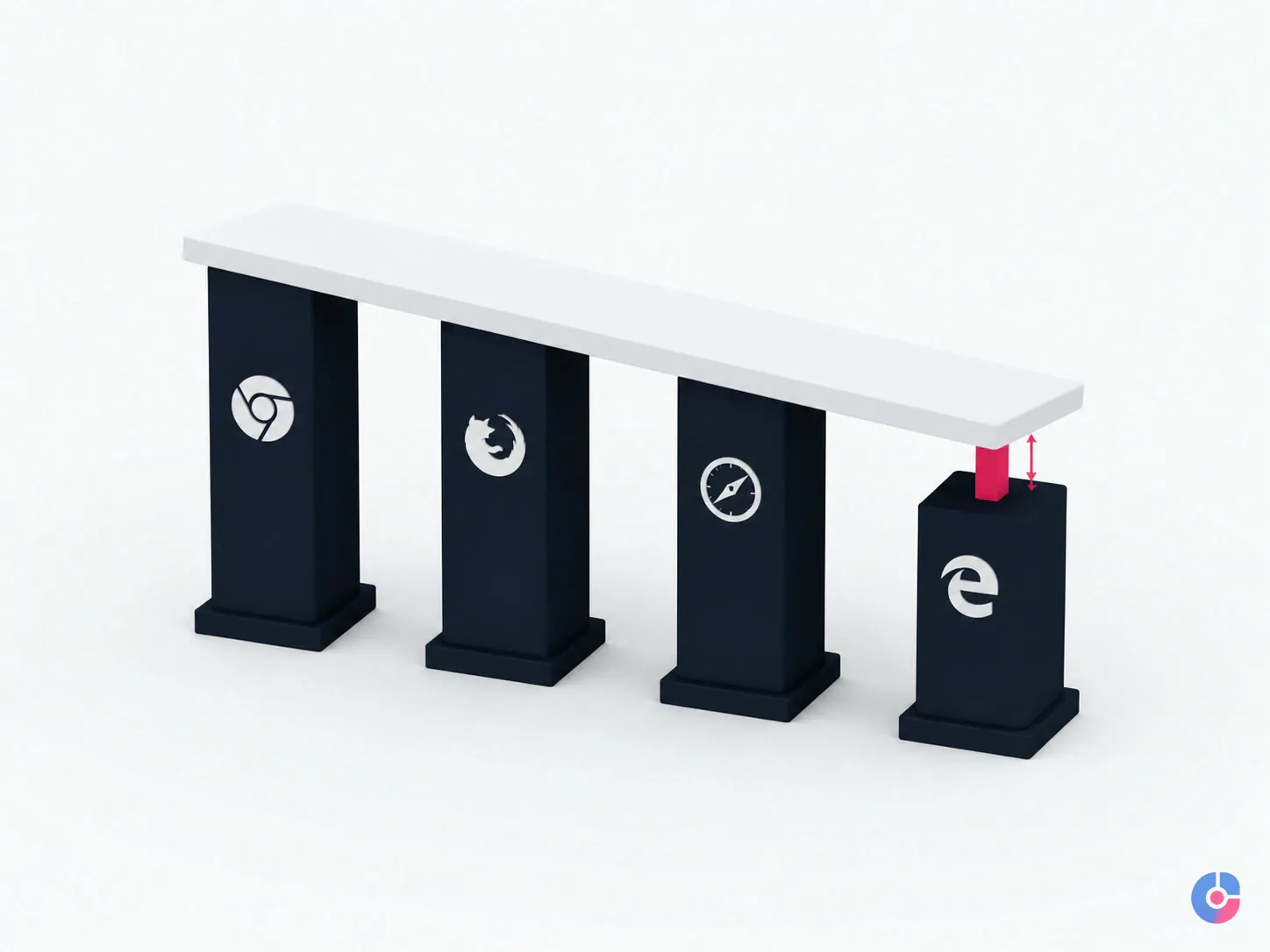
A feature that works in one developer’s browser is not ready for every customer. Check the organisation’s browser and device evidence, contractual requirements and the feature’s current interoperability status before making it a dependency.
The WebDX Community Group’s Web Platform Baseline provides a common support label:
- Limited availability: the feature is not yet supported across the core browser set.
- Newly available: all core browsers support it, so the feature has reached interoperability.
- Widely available: 30 months have passed since that interoperability date, allowing time for browser versions to reach users.
Baseline answers an important support question; it does not know your users. An enterprise audience may retain managed browser versions longer. A kiosk or embedded webview may lag. A consumer site may update faster. Combine the label with analytics, support commitments and device testing.
For a newly available or limited feature, consider progressive enhancement: deliver the essential content and action through established HTML or CSS, then add the richer behaviour where supported. If the fallback cannot complete the core task, treat adoption as a higher-risk product decision.
Write a feature decision record:
- capability and user problem;
- Baseline status and check date;
- target browser and device evidence;
- fallback or graceful degradation;
- accessibility and security review;
- measurement and rollback;
- owner for monitoring support and defects.
Apply the commercial filter second
Ask which number or risk should change. A new feature might plausibly improve form completion, mobile speed, content reach, accessible task completion, build time, defect rate, security exposure or maintenance cost. Name the mechanism and baseline.
If the answer is “it makes the site feel current,” it is a preference unless a defined brand objective and customer test support it. Preference can still justify design work, but it should compete honestly with broken enquiries, slow templates and inaccessible forms.
Include lifecycle cost: design, implementation, testing, content, monitoring, fallback, support, privacy, vendor fees and eventual removal. A free library can create expensive ownership.
Recognise what is actually changing
HTML and CSS can perform more interface work
Modern platform capabilities increasingly handle layout, responsive design, validation, dialogs, disclosure, animation and component styling that once required heavier JavaScript or custom work. The business implication is not “use less JavaScript at any cost.” It is to prefer the simplest supported native capability that meets the need and preserves accessibility.
Native does not mean automatically correct. Semantics, focus, keyboard behaviour, reduced motion, browser support and content fallback still require testing. But fewer custom dependencies can reduce code, update and failure surface.
Performance has shared measures
Teams can discuss loading, interaction and visual movement through published field metrics rather than taste. Real-user data and laboratory tests serve different purposes: field data shows actual experience over time; lab testing helps reproduce and diagnose a page under controlled conditions.
Accessibility is moving into normal delivery
Accessibility standards are established, automated tools are easier to include in delivery and procurement increasingly asks for evidence. The important change is organisational: define the target, include it in design and acceptance, test with keyboard and assistive technology, and keep it in content operations.
Content must work beyond a visual page
Search, assistants, feeds, internal tools and accessibility technology depend on meaningful headings, concise answers, explicit entities, structured data where applicable and stable URLs. Machine readability should reinforce accurate human-readable content, not produce hidden keyword or schema markup that contradicts the page.
AI changes production more than the customer requirement
Developers can use AI tools to draft, explain, test or refactor code. That can change the production workflow. It does not remove architecture, security, licensing, accessibility, review or maintenance responsibility. The shipped site still needs predictable behaviour in a browser.
Remember what is not changing
A business site still has to answer:
- Does it load and remain usable on the phone and connection the visitor has?
- Can a stranger understand the offer, intended buyer and evidence quickly?
- Is there one obvious next action for the page?
- Does the form, call, booking or purchase path work end to end?
- Does somebody own the enquiry after it leaves the page?
- Is the information current, accurate and approved?
- Can people navigate, read and act through keyboard and assistive technology?
- Can the organisation update and secure the system without a specialist rescue?
These checks save money because they expose a website that is commercially failing while appearing technically fashionable. The business case for a site is addressed separately in the importance of web development; this page focuses on choosing the next technical change.
Treat performance thresholds as a floor
The current Core Web Vitals measure three aspects at the 75th percentile of page loads, separated across mobile and desktop where appropriate:
- Largest Contentful Paint (LCP): loading of the main visible content; a “good” threshold is 2.5 seconds or less.
- Interaction to Next Paint (INP): responsiveness after user interaction; a “good” threshold is 200 milliseconds or less.
- Cumulative Layout Shift (CLS): unexpected visual movement; a “good” threshold is 0.1 or less.
Metrics evolve, so check the current source before writing requirements. Use Search Console and real-user monitoring for populations, PageSpeed Insights and browser tools for diagnosis, and real-device tests for critical journeys.
Common causes are oversized or poorly prioritized media, render-blocking resources, long JavaScript tasks, third-party tags, layout space not reserved for media, heavy component or page-builder output and font loading. Measure each template and journey; a fast homepage does not prove the checkout, article or service page is fast.
Google’s current page-experience documentation says Core Web Vitals are used by ranking systems but good report scores do not guarantee top rankings. Relevance and overall experience still matter. Passing is a useful baseline for users, not a unique ranking advantage or substitute for helpful content.
Do not chase a perfect lab score by removing essential functionality without measuring the effect. Fix the largest user and commercial constraints first.

Build accessibility as a requirement
The W3C publishes Web Content Accessibility Guidelines 2.2 as a Recommendation. Its success criteria cover perceivable content, operable interfaces, understandable behaviour and robust compatibility. WCAG is a technical standard; legal duties vary by jurisdiction, sector and organisation. Obtain advice for the markets and services in scope.
Recurring defects include:
- informative images with missing or misleading alternative text;
- decorative images announced unnecessarily;
- text or controls with insufficient contrast;
- form fields without programmatic labels, instructions or useful error association;
- interactive elements that cannot be reached or operated by keyboard;
- focus trapped, obscured or difficult to see;
- headings used for visual size rather than document structure;
- status messages that are visible but not announced;
- drag, hover or pointer gestures without an accessible alternative;
- motion that ignores user preferences.
Automated scans catch only part of the problem. Add keyboard testing, zoom and reflow, screen-reader checks of representative flows and evaluation by people with disabilities where feasible. Test content updates and third-party widgets as well as the original templates.
Use a current security and privacy baseline
Serve the site through HTTPS and redirect appropriately. Apply secure headers and cookie settings for the architecture. Use unique named administrative identities, multi-factor authentication, least privilege and a controlled process for emergency access.
Inventory the CMS, framework, runtime, plugins, themes, packages, build tools and third-party scripts. Assign an owner and supported version. Subscribe to security notices, test updates, remove unused components and maintain a restore procedure. An unmaintained plugin or dependency is avoidable exposure; do not wait for a breach to discover ownership.
Collect only data the business needs. Map forms, analytics, advertising, chat, embedded media and integrations. Consent requirements vary by market and purpose; implement the decision supplied by privacy and legal owners rather than copying a generic banner. Test rejection, withdrawal and downstream tag behaviour.
Backups are valuable only when restoration is tested. Logging should support investigation without retaining secrets or personal data unnecessarily. Hosting can supply controls, but it does not own application code, user permissions and content by default; define the shared responsibility. Review web hosting support where operations are the gap.
Separate the three AI claims
1. AI-assisted development
Budget may be justified when tools help a capable team draft routine code, tests, documentation or migrations. Require human review, source and licence controls, tests, security scanning and an owner who understands the result. Measure lead time and defects in this team rather than relying on a vendor demonstration.
2. AI features on the website
A customer-facing model can be useful for a narrow task with sufficient data, evaluation and fallback: searching a complex knowledge base, summarizing an approved record or guiding a user through a constrained catalogue. It adds inference cost, latency, privacy and security review, hallucination risk, monitoring, abuse handling and a path to human support.
Do not add a general chatbot because a trend list says every site needs one. Define a successful task, prohibited output, data boundary, quality test and shutdown condition. If a static answer, filter or form solves the need reliably, use it.
3. AI-mediated discovery
Act now on the durable work: clear authorship, specific claims, first-party evidence, descriptive headings, crawlable pages, relevant internal links, structured data that matches visible content and dates where freshness matters. Google’s structured-data guidance explains how explicit markup can help systems understand page meaning; eligibility never guarantees a particular display.
This is content and technical quality, not a special “AI website” layer. Maintain accurate pages because both people and machines can only reuse what the organisation has published.
Run a technical review before choosing the next build
- Performance: collect field Core Web Vitals, test critical templates on real phones and diagnose media, script and server causes.
- Accessibility: scan the site, then manually test keyboard, focus, zoom, screen reader and forms against the agreed standard.
- Security and currency: inventory platform, dependencies, plugins, users, backups, notices and unsupported components.
- Enquiry path: submit every important form, call, booking, checkout and error path; confirm routing, acknowledgement and operational ownership.
- Content structure: review navigation, headings, unique page purpose, accuracy, internal links, metadata, schema and stale content.
- Maintenance: measure update effort, deployment risk, defect history and dependence on unavailable skills.
Rank findings by customer harm, commercial impact, legal or security risk, frequency, effort and reversibility. A broken mobile form should outrank a newly released CSS effect. Record baseline and acceptance criteria before implementation.
To turn the review into a prioritized roadmap, book a technical review of your site. If the question is provider selection, use how to choose a web development company rather than using trend adoption as a proxy for competence.

Improve when the foundation is sound; rebuild when it is not
Improve when the platform is supported, content model fits the business, deployment is safe and failures are specific. Image work, form repair, template performance, navigation, accessibility and content can often be corrected incrementally with less migration risk.
Rebuild when the platform or runtime is unsupported, security updates cannot be applied, the content model cannot represent current offers, critical integrations are unmaintainable, accessibility defects are structural or the ongoing cost of preserving the system exceeds migration value.
Aesthetic age alone is not enough. Design can reduce trust or comprehension, but test the problem and consider a front-end refresh on a sound system. Rebuilds introduce content loss, URL changes, search risk, integration defects, retraining and new maintenance obligations.
Write the decision as lifecycle economics: cost to repair and operate for the chosen horizon versus cost to migrate, validate, operate and retire the old system. Include business interruption and content work. Platform comparison belongs in WordPress versus custom CMS, not in a generic trend judgement.
Bring analytics, Search Console access, representative devices, platform and plugin inventory, enquiry paths, known defects and business priorities. We will separate repair, risk and opportunity into a measured roadmap. You can also book a free consultation.
Keep reading
Related insights

Shopify vs WooCommerce: Which to Choose
Shopify and WooCommerce both work. The difference is who carries the maintenance and where the cost lands. Compare both against your team…

Shopify Store Support Services: A Guide
A Shopify store needs weekly upkeep, not occasional fixes. See the support tasks that protect revenue, who should own each, and what…

How to Choose a Web Development Company
Choosing a web development company in the USA or Europe? Use these nine selection criteria to judge proposals, ownership terms and post-launch…