

Marketing & creative
How to Fix Google Search Console Errors
Most Search Console errors do not need fixing. Triage by impact first, then work through each status with the fix, the validation and the wait time.
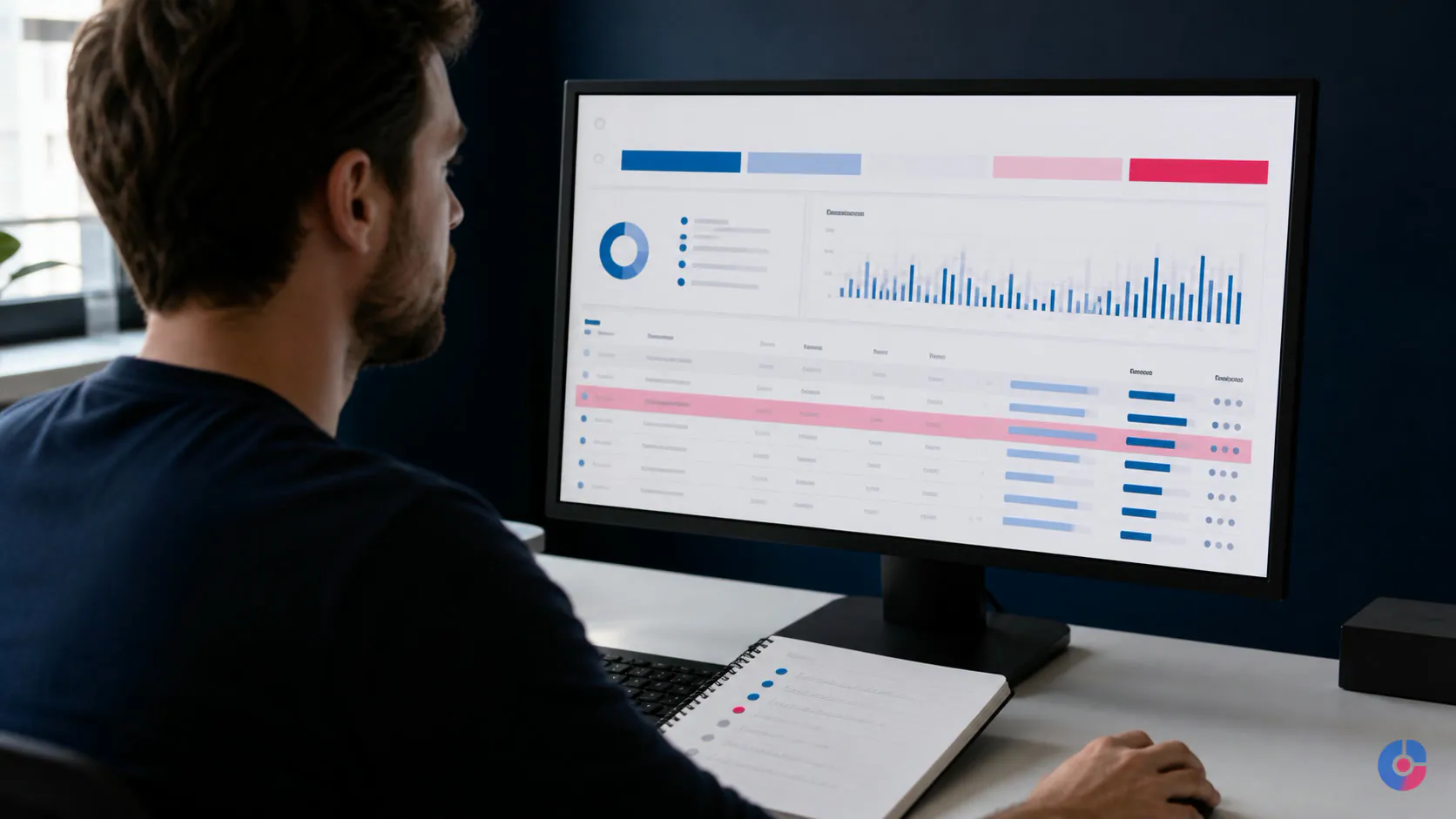
Search Console opens with thousands of “not indexed” URLs and several red rows. A site owner assumes every number is lost traffic and sends the list to a developer. Days are spent redirecting harmless filters and requesting indexing for pages that were deliberately excluded, while one valuable product section remains blocked.
The Page indexing report lists states and reasons, not a universal fault list. Google’s current documentation says directly that “Not indexed” is not necessarily bad and that duplicate, alternate, blocked or intentionally excluded pages may be behaving correctly.
Triage every item with three questions: Do we want this URL in search? Is it internally supported or historically valuable? Could restoring it plausibly affect qualified traffic, enquiries or sales? Fix the small set that matters first.
A long error list is not an emergency
Google discovers URLs from links, sitemaps and other sources. A single useful page can generate many variants through filters, parameters, print views, old paths and duplicate routes. Search normally selects canonical pages and excludes other known URLs.
The goal is not 100 percent indexing. It is to have the canonical version of every important, indexable page discoverable, crawlable, technically eligible and strong enough to be selected for the index. A large excluded count can be healthy on a large ecommerce site; a small excluded count can be serious if it contains every service page.
Check the trend and affected templates before reacting to color. A sudden change after a release, migration or CMS setting deserves immediate investigation. A stable group of intentionally noindexed account pages may need no work.
Read the current reports correctly
As of this review, Google calls the main interface the Page indexing report. It separates indexed URLs from not-indexed URLs and gives a reason and a source. Google also notes that report names and interface locations change, so confirm the labels in current Search Console Help before implementing this guide.
Use the report for site-level patterns. Use URL Inspection for one important URL: its indexed version, discovery, last crawl, crawl permission, indexing permission and Google-selected canonical. The live test checks the current fetchable page; it does not prove that Google will index or rank it.
Sitemaps have their own report. Core Web Vitals and HTTPS sit under experience reporting. Structured-data items appear in enhancement or rich-result reports when Google recognizes the relevant markup. An enhancement error can affect eligibility for a particular search appearance without preventing the ordinary page from being indexed.
Export the affected URLs and record the report reason, sitemap membership, preferred canonical, template and business owner. Search Console examples may be limited, so use the CMS, sitemap, server logs or crawler to understand the complete pattern.
Triage with three questions
1. Do we want this URL indexed?
Mark yes for a canonical product, service, category, location, article or other page intended to answer search demand. Mark no for login, cart, internal search, tracking parameter, duplicate sort, private, staging or intentionally retired URLs. Mark uncertain for thin archives and filters that require a strategy decision.
2. Is it supported by the site?
Check whether the URL receives descriptive internal links from relevant pages, appears in the intended sitemap, has traffic or links, and belongs in navigation or a valid crawl path. A page that exists only in an XML file is technically declared but not necessarily integrated into the site.
3. Could the fix change a commercial outcome?
Estimate search demand, historical impressions, link value, page intent, conversion path and template scale. One blocked revenue category can outrank ten thousand disposable parameter URLs. Sort into urgent revenue risk, important technical or content work, monitor, and intentional exclusion.
Keep the answers in a work sheet with URL pattern, intended state, current state, owner, action, release date and validation result. This filter prevents an agency or developer from treating every row as equally valuable.

404 and 410: restore, redirect or leave them
A 404 or 410 tells crawlers and browsers that the resource is unavailable. That is correct for content intentionally removed without a suitable replacement. Do not redirect every deleted URL to the homepage; it does not satisfy the original intent and can obscure inventory of genuine broken links.
Restore the page if removal was accidental and the URL remains canonical. Use a server-side permanent redirect when a close replacement carries the same intent, such as a renamed service or consolidated article. Update internal links and the sitemap to the destination. Leave a genuine removed URL returning 404 or 410, remove it from navigation and sitemap, and offer useful site navigation on the error page.
Prioritize errors on linked, trafficked or converting URLs and any pattern created by a bad release. A long tail of crawled historic URLs can remain in the report while Google revisits them.
Soft 404: fix the response or the page
Google’s current crawl-error guidance describes a soft 404 as a page that appears to be an error or has no main content while returning a success status such as HTTP 200. Common causes include empty search results, missing data, broken rendering, deleted products with no meaningful content and error messages served on successful responses.
If the resource is gone, return a real 404 or 410. If the page should exist, restore substantial main content, fix rendering or data dependencies and keep a 200 response. If a valid replacement exists, redirect to that specific page. Use URL Inspection’s live test and rendered view to see what Google can fetch now.
Do not “fix thinness” by adding generic paragraphs to an empty template. The page must serve a real user purpose and accurately represent the resource.
Crawled – currently not indexed
This status means Google crawled the URL and did not index it at the time reflected in the report. It is not automatically a technical error. Check the live page, status code, indexability, rendered content, canonical signals, duplication, internal links and whether the page adds distinct value.
Useful responses include consolidating near-duplicates, improving the page so it fully satisfies its intended query, adding relevant internal links, removing low-value generated pages from the intended index set, and aligning canonical and sitemap signals. Do not change the publication date or request indexing repeatedly without changing the reason the page was passed over.
Technical eligibility is necessary but not a guarantee of selection or traffic. Fixing a tag cannot manufacture search demand or content quality.
Discovered – currently not indexed
Google knows the URL but has not yet crawled it in the state shown. For a small site, inspect discovery and internal links, server availability, crawl blocks, sitemap accuracy and whether a flood of duplicate URLs is competing for attention. New pages can also take time.
For a large or frequently changing site, use Google’s own crawl-budget documentation before diagnosing a budget problem. Review server capacity and errors, duplicate and parameter spaces, low-value generated URLs, redirects, update patterns and sitemap quality. Do not use a crawl-budget explanation as a substitute for checking whether the page is actually valuable and linked.
Create a clean path from relevant indexed pages, keep canonical live URLs in the sitemap and remove accidental URL spaces at their source. Requesting indexing for thousands of URLs is not a site architecture.
Server and redirect errors need technical ownership
A server error in the report indicates a 5xx response during Google’s request. Inspect host and application logs around the crawl time, availability monitoring, resource limits, database or upstream dependencies, security rules, CDN behavior and deployments. Confirm that Googlebot is not being blocked or challenged unintentionally; verify crawler identity using Google’s documented method rather than trusting a user-agent string.
A redirect error can involve a loop, an excessively long chain, a malformed or empty destination, or a final failure. Map every hop with an HTTP inspection tool. Redirect the old URL directly to one final live canonical using an appropriate server response, update internal links and remove redirecting URLs from the sitemap.
These are usually developer or host tasks. Give them a reproducible sample, response headers, redirect chain, timestamp, affected pattern and intended result. Avoid changing a firewall, CDN or production redirect rule from guesswork.

Robots.txt and noindex are different controls
robots.txt controls crawler access to matching paths; it is not a reliable instruction to remove a known URL from search. A noindex directive tells compliant search crawlers not to index the page, but the crawler generally needs access to see it. Blocking the URL in robots.txt can prevent Google from reading the noindex directive.
Check whether the state is intentional. Login, internal search and certain utility spaces may be deliberately blocked or noindexed. A service, product or article should not inherit a staging rule, development header or CMS “discourage search engines” setting after release.
Inspect page source and HTTP headers, the live URL and the production robots.txt. Remove an accidental noindex or block, confirm authentication and firewall behavior, then request validation or indexing for a representative high-value URL. Do not expose private content merely to make a Search Console row green.
Read duplicate and canonical statuses as signals
Alternate page with proper canonical tag is often correct: the duplicate points to the preferred version and Google accepted the relationship. Confirm the canonical URL is live, indexable and the one the business wants.
Duplicate without user-selected canonical means Google identified duplication without a clear declared preference. Choose the preferred URL, then align internal links, sitemap, redirects where removal is appropriate, and rel="canonical".
Duplicate, Google chose different canonical than user means the declared preference conflicts with Google’s selection. Compare content, status, redirects, internal links, sitemap, protocol, hostname, rendered output and canonical chains. Google’s canonical documentation describes redirects and canonical annotations as stronger signals than sitemap inclusion, while also explaining that canonical selection remains Google’s choice.
Do not canonicalize genuinely different pages solely to suppress a report. A canonical is for duplicate or very similar content, not a general instruction to transfer ranking from any weak page.
Keep the sitemap diagnostic
Include fully qualified, live, indexable preferred canonical URLs that the site wants in search. Remove 404, redirected, blocked, noindexed, duplicate and utility URLs. Keep the lastmod value accurate when supported; do not rewrite it every day without a meaningful page change.
Google’s current sitemap guidance sets a single-file limit of 50 MB uncompressed or 50,000 URLs. Larger inventories need multiple sitemaps and can use an index. Smaller thematic sitemaps can also make template-level diagnostics easier.
A submitted sitemap helps discovery and communicates preferred URLs; it does not force crawling, indexing or ranking. Compare sitemap URLs with the intended index set and investigate material gaps by pattern.
Core Web Vitals: use the current set
The current Core Web Vitals are Largest Contentful Paint (LCP), Interaction to Next Paint (INP), and Cumulative Layout Shift (CLS). The web.dev reference defines “good” field thresholds at the 75th percentile as LCP at or below 2.5 seconds, INP at or below 200 milliseconds, and CLS at or below 0.1, evaluated separately for mobile and desktop.
INP officially replaced First Input Delay on March 12, 2024, according to the Chrome team’s launch notice. If an audit still treats FID as the current responsiveness Core Web Vital, update the audit.
Typical investigation paths are:
- LCP: server response, render-blocking resources, priority and format of the main image, font loading and client-rendered content.
- CLS: missing dimensions or reserved space for images, ads, embeds and dynamic banners; late font or component changes.
- INP: long main-thread tasks, heavy JavaScript, slow event handlers, large rendering updates and third-party code.
Search Console groups field data; it does not identify the exact line of code. Reproduce affected templates with PageSpeed Insights, Chrome DevTools and real-user monitoring where available. A marketer can identify template and business priority; a developer usually needs to change rendering, assets or code.

Structured-data errors affect search features
Structured data helps Google understand page entities and can make a page eligible for supported rich results. An error does not necessarily prevent ordinary indexing. Google explicitly states that valid markup does not guarantee a rich result.
Open the relevant item in Google’s current structured-data gallery, confirm that the type remains supported, and follow its required properties and content policy. Validate a representative URL with the Rich Results Test and URL Inspection. Ensure marked-up information is visible, accurate and about the page’s main content.
When errors appear after a template release, compare rendered markup before and after. Missing required fields, invalid nesting, empty values, wrong types and markup no longer matching visible content are common. Fix the template, test normal and edge cases, then deploy and validate the affected group.
Validate, record and wait for recrawl
Before deployment, save a sample URL, status, screenshot or export, intended result and cause. Make the smallest coherent change. Record release date, code or CMS change, affected pattern and owner.
Test the live URL, response, robots, noindex, canonical, content and structured data. Then use the report’s validation flow where available or request indexing for a small number of priority URLs. Validation means Google needs to revisit affected pages; timing varies with site, issue and crawl patterns. Do not promise a fixed recovery date.
A technically successful fix may leave a page unindexed because canonical selection, duplication, page value or demand remains. Avoid changing five unrelated elements at once. A change log lets the team distinguish code eligibility from later indexing and performance.
Items you can often leave alone
- filter, sort, tracking and session variants that were never intended as landing pages;
- duplicate or alternate URLs with the correct canonical relationship;
- login, cart, checkout, internal-search and account pages intentionally excluded;
- thin tag, author or archive pages deliberately noindexed after a strategy decision;
- old removed URLs with no close replacement, links, traffic or sitemap presence;
- pagination or faceted spaces governed by a deliberate crawl and index design.
“Ignore” should be documented as the intended state and periodically sampled. It does not mean allowing a CMS change to generate infinite new URLs without control.
A thirty-minute monthly routine
- Compare indexed and not-indexed trends with releases, migrations and expected site growth.
- Look for new reason types or sudden template-level changes, not merely a larger familiar count.
- Confirm the sitemap contains the intended live canonical set and no blocked, redirected or noindexed patterns.
- Inspect a sample of priority pages and any valuable page that dropped from the index.
- Review Core Web Vitals and enhancement changes by template, then assign marketer, developer or host ownership.
- Update the issue log with decision, release, validation and next review.
To convert the report into an impact-ranked backlog with technical owners, request a technical SEO health check.
Bring Search Console exports, sitemap URLs, recent releases or migrations, priority landing pages, analytics history and CMS access constraints. For code or infrastructure fixes, compare platform troubleshooting services; for ongoing execution, review a digital marketing support team, or book a free consultation.
Keep reading
Related insights

WordPress vs Custom CMS Development
A custom CMS buys control and a permanent maintenance bill. Compare both against your content model, team and five-year plan before you…

BPO Services for Digital Marketing: Benefits
Marketing teams stall on execution, not ideas. See which marketing functions a BPO model absorbs, what it returns in hours, and where…

What SEO Services Actually Deliver
SEO is four separate disciplines sold as one word. See what each part does, what results it can produce, and how to…