

Branding & Design
Professional Video Editing Services
Project based video editing for brand films, ads, product and social campaigns, with a clear brief and defined revisions. Request an edit quote today.
Bought under Branding & Creative Design From $220 · 1-2 weeks
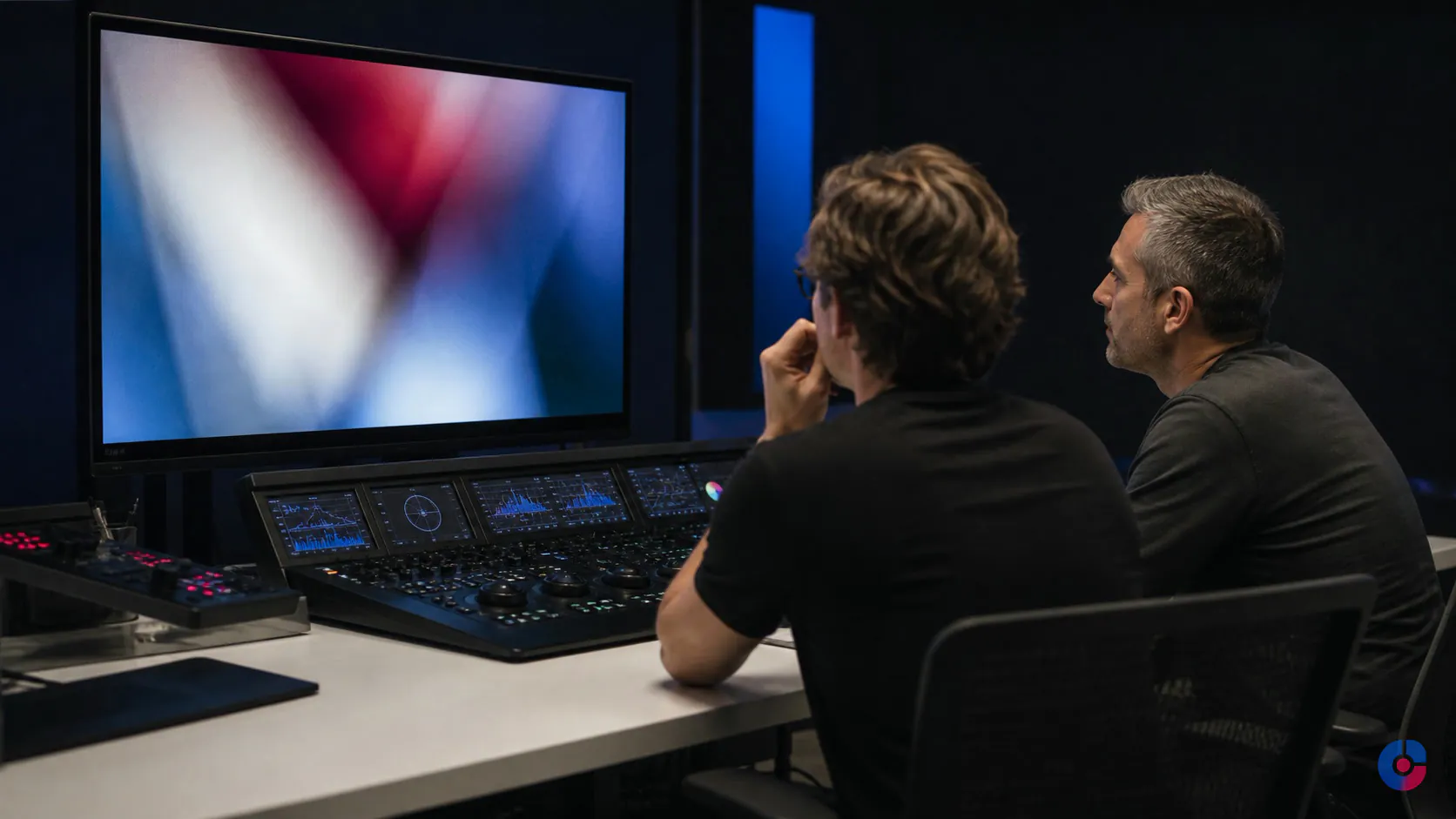
A polished video can still fail if nobody decided its job. The edit looks good, but the viewer does not know why the product matters, which proof to believe or what to do next.
OveliTHub video editing services begin with a commercial brief and deliverables list. We shape brand, product, testimonial, event, training and advertising footage around a defined audience, placement, belief and action.
Scope, revisions, rights, project files and additional cost are agreed before the timeline fills with work.
Decide what the video is for before anyone opens a timeline
A useful brief answers four questions:
- Who watches? Identify the buyer, user, employee, partner or existing customer and what they already know.
- Where do they watch? Website, paid placement, sales presentation, event, product page, onboarding or internal platform changes the viewing context.
- What should they believe? State one credible shift supported by demonstration, evidence or testimony.
- What should they do? Visit, enquire, buy, understand, approve, learn or remember a specific next step.
These answers determine the opening, order, duration, proof, graphics and call to action. A cold paid impression cannot depend on a long narrative build. An internal training video cannot trade completeness for a dramatic montage.
If the client does not yet know the answers, discovery resolves them before quoting a locked edit. Ambiguity is less expensive in a brief than after the first cut.
The formats we edit, and what each one demands
- Brand and about films: establish position and credibility through a clear argument, people and evidence rather than a sequence of attractive shots.
- Product demonstrations: make the use case, sequence, interface or physical outcome easy to follow; continuity and annotation matter.
- Paid ad creative: earn attention quickly, state value early and create controlled variants for testing.
- Testimonials and case studies: preserve the speaker’s meaning, establish context, show credible specifics and avoid manufacturing a claim through selective cutting.
- Event recaps: capture scale, subject and atmosphere while providing versions for attendees, future promotion and sponsors where authorised.
- Training and internal video: prioritise comprehension, chapters, accessible captions, current procedure and maintainable source files.
Duration and aspect ratio follow the brief and current destination specifications. Platform limits change, so the team checks official documentation at delivery instead of publishing a fixed table that will become stale.
Ad creative is a different discipline
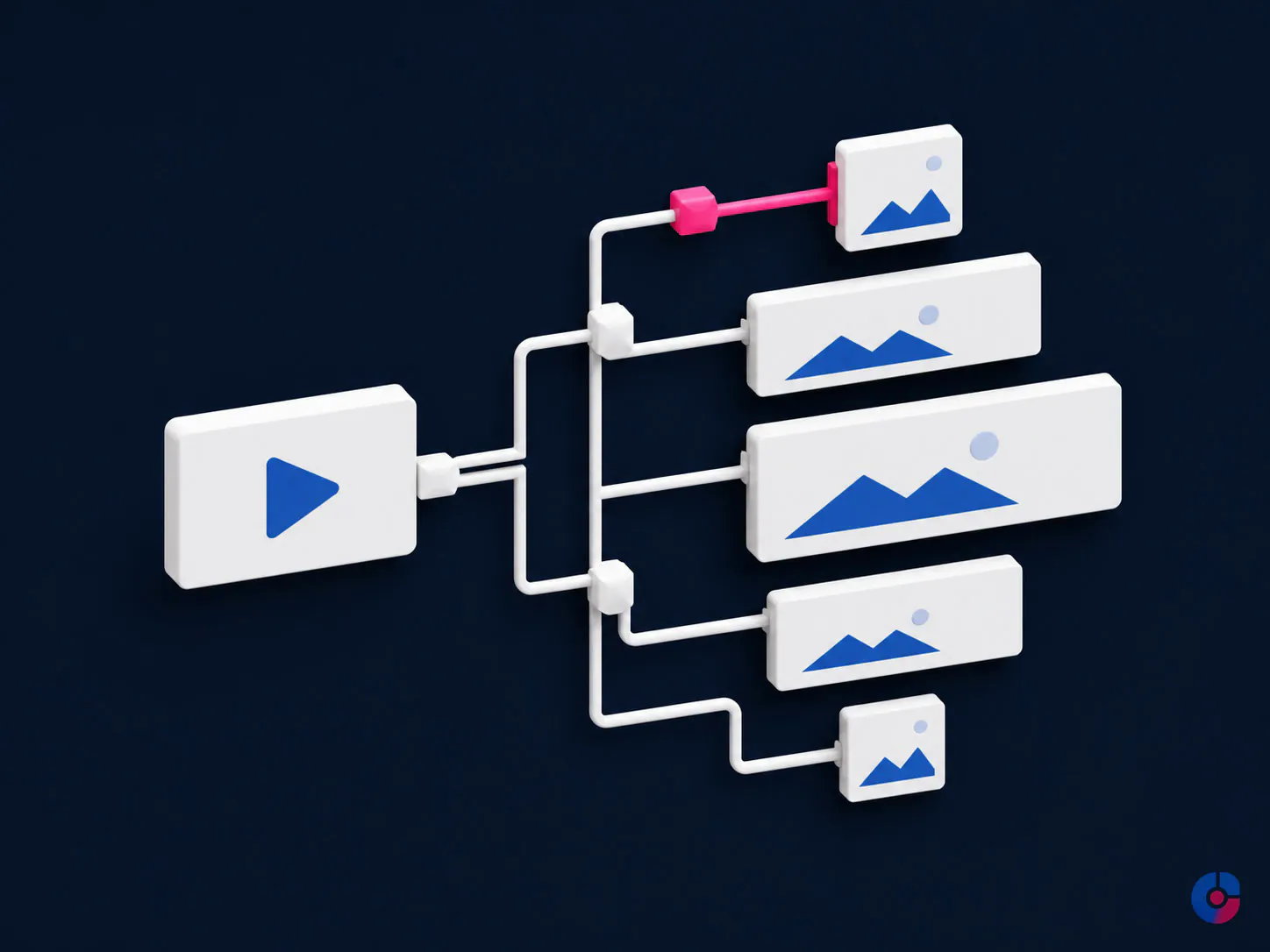
Paid social usually reaches a person who did not ask for the story. The opening must establish context or tension without misleading clickbait. Value and brand arrive early enough to survive short attention, and proof appears before the call to action.
The deliverables list may include opening variants, message angles, durations, aspect ratios, captions, end cards and landing-page matches. Variants change a defined element so the media team can interpret evidence.
OveliTHub edits campaign creative; media buying, channel strategy and audience management belong with social media services. The Meta advertising campaign case study provides portfolio context without implying undocumented results for a new client.
What a project includes
The proposal names source footage, intended master, output versions, review stages, finishing and archive. A typical post-production project can include:
- source inventory, ingest and project organisation;
- assembly edit showing the usable story;
- first cut aligned to approved brief;
- two consolidated revision rounds unless another number is quoted;
- basic or specified colour correction and grading;
- dialogue edit, audio cleanup and mix within stated limits;
- approved music and stock placement;
- titles, lower thirds and defined motion graphics;
- captions, subtitle files and transcript correction;
- platform reframes and current-spec exports;
- quality checks and review uploads; and
- final media, project files and agreed archive handoff.
Quoted separately: new filming, extensive restoration, transcription or translation beyond scope, custom illustration, complex animation, voice talent, paid stock or music, rush work, additional concepts and revision beyond the agreed rounds.
One master plus six variants is seven deliverables, not “one video.” The matrix lists each orientation, duration, language, caption, thumbnail, end card and due date.
Motion graphics, titles and animated explainers
The graphic layer can include kinetic titles, lower thirds, callouts, animated charts, product labels, screen highlights, maps, logo treatment and simple two-dimensional explainer sequences. Every element supports comprehension or brand; movement is not added merely to prove effort.
Motion direction defines typography, colour, timing, easing, transitions, line weight, icon style and safe areas. Data visualisation uses supplied, approved numbers and preserves scale and context.
Custom character systems, frame-by-frame animation, complex three-dimensional work or a complete animated film require illustration, storyboard, style frames and specialist production. They are treated as separate creative scope through creative design services.

Working from a brand kit, or building one
Existing guidelines control logo, typography, colour, image treatment, tone, claim language and accessibility. Video extends them through motion: title behaviour, transitions, caption hierarchy, logo timing, music character and pacing.
If no motion kit exists, the first stage produces a compact reference: type treatments, colour use, lower third, caption sample, transition rule, audio direction and reference frame. The client approves it before full production.
This does not replace broader brand identity work. The project creates the minimum video system needed for consistent deliverables, and the client owns the approved assets.
Revisions, scope and the honest cost of changes
Two revision rounds are included unless the quote states otherwise. The client appoints one approver and returns timestamped, consolidated feedback by the scheduled date.
A revision adjusts the accepted concept and brief: trim a section, replace an approved shot, correct a caption, refine a mix or change a graphic within the design system. A re-edit changes audience, story, message, duration family, core structure, script, source set or approved direction.
Errors against the brief are corrected. New stakeholder preferences, late footage, a new call to action, an additional format or reversed approval can change cost and schedule. OveliTHub states the impact before proceeding.
Version history records feedback, decision, approval and final. Endless disconnected comments are not absorbed silently because they make every delivery date meaningless.
Sourcing music, footage and voice
The project may source licensed music, stock footage, fonts or voice talent where quoted. The intended use—organic, paid advertising, broadcast, internal, territory, term and client entity—must fit the actual licence.
Licences and purchase records are registered or transferred to the client where the selected provider permits and the proposal states. Library terms differ; the team does not assume a creator plan covers commercial client advertising.
Voice casting defines language, accent requirement where genuinely relevant, tone, usage, term and revisions. Translation and subtitle localisation require linguistic review, reading-speed adjustment and cultural context through content localization.
OveliTHub does not use unlicensed music, scraped footage or cloned voice without documented authority.
Turnaround and how a schedule really works
- Brief and source check: confirm purpose, footage integrity, rights, script, brand, deliverables, reviewers and deadline.
- Assembly: organise source and establish usable material, missing coverage and likely structure.
- First cut: deliver the approved scope for consolidated review.
- Revision one: resolve structural and substantive feedback.
- Revision two: refine approved detail, finishing and corrections.
- Finish and delivery: grade, mix, captions, versions, quality control and archive.
The quote includes milestone dates. Late footage, missing licences, unconsolidated comments and unresolved approvals move dependent milestones. Rush work is assessed against available specialists and review capacity; it may cost more or require fewer deliverables.
Poor source footage is reviewed before quote. Editing may improve stable noise, colour inconsistency or structure, but cannot restore clipped audio, missing focus, absent coverage or rights the client does not hold.
Measuring whether the video worked
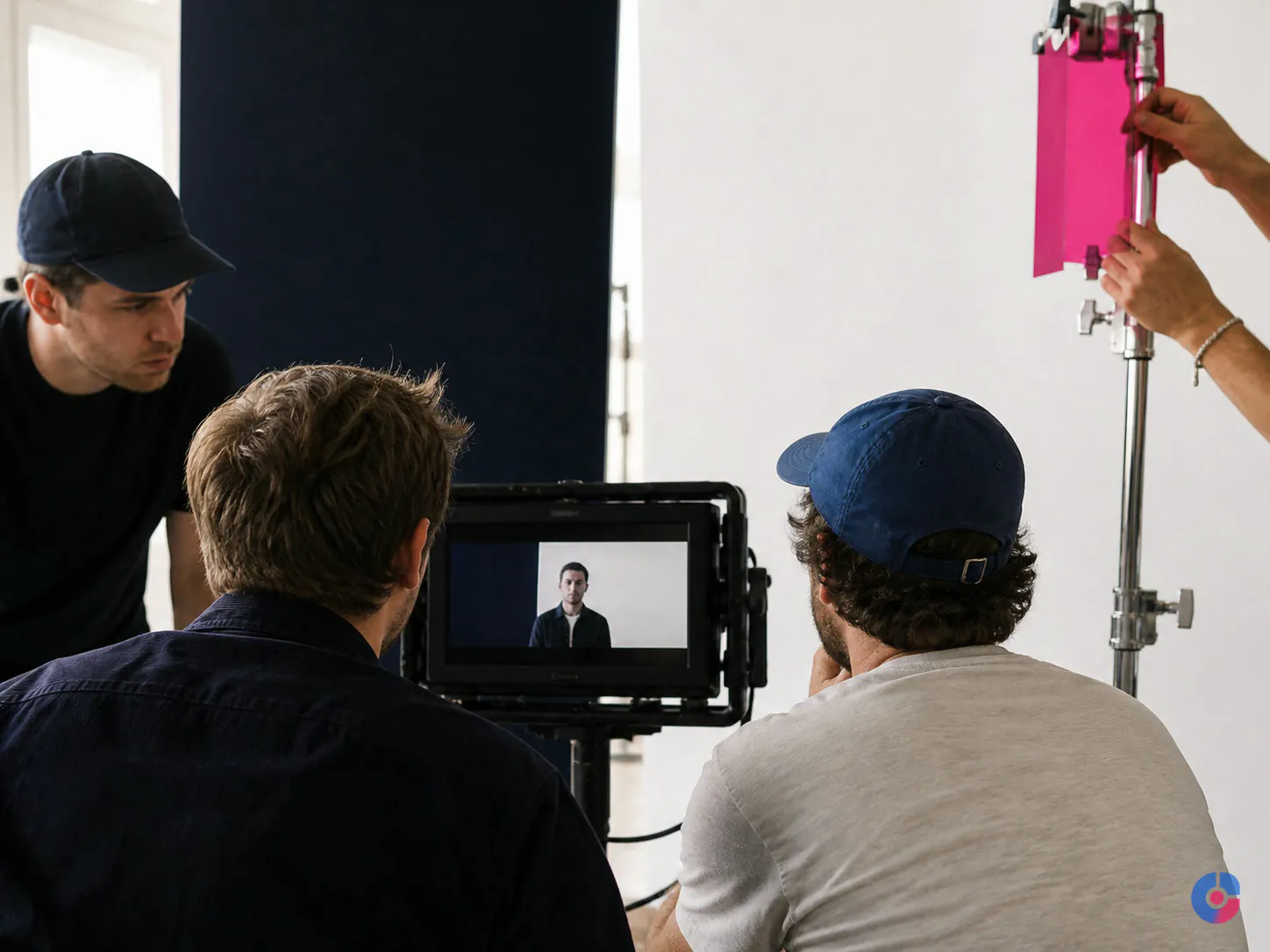
The brief names a primary behaviour and its measurement. Brand work may use qualified reach and assisted research; demonstration may use completion of a key section and product action; paid creative may use view-through diagnostics, click-through and post-click conversion; sales video may use engagement by opportunity and follow-up.
Metrics have definitions, platforms, attribution windows and limitations. View counts differ by platform. A landing-page video cannot receive credit for every conversion on the page without a credible design.
Variants help when they isolate a meaningful choice and receive enough comparable delivery. OveliTHub does not promise retention, conversion or view-count results and does not publish an unsupported benchmark for ideal length.
How a project starts
- complete the audience, placement, belief and action brief;
- inventory footage, script, brand, rights and technical quality;
- approve the deliverables matrix, exclusions, schedule and quote;
- review the assembly or first cut through one named approver;
- complete two consolidated rounds under the scope;
- deliver final exports, captions, licences and project archive.
OveliTHub’s Branding and Creative Design pillar and more than 130 delivered projects provide broader production context. No award, festival recognition or campaign performance is implied.
For recurring template-led volume, use a video editing assistant. Distribution and channel operations belong with social media or broader digital marketing services.
Technical delivery and a usable handoff
A final export is only useful when the receiving team can identify it, publish it and return to the source later. The delivery folder separates masters, platform versions, caption files, review references, licensed assets and project sources. File names record campaign, format, language, version and approval status without relying on a private editor’s memory.
Quality control checks picture dimensions, frame rate, duration, audio channels, loudness against the agreed destination, spelling, caption timing, safe areas, logos, end cards and links displayed on screen. A human watches the final encoded files; passing an export queue is not the same as reviewing the audience’s copy.
The handoff note lists software version, essential plugins, linked fonts, colour assumptions and anything that another editor would need to reopen the work. Where a platform applies its own compression, a representative upload can be checked before the complete version set is released. Source retention has a named period and owner. If ongoing archive storage is required, capacity, access and retrieval terms are included rather than implied.
These controls matter most when several teams will reuse the material. A carefully labelled master can support future edits without turning an old project into an archaeological exercise.
Request an edit quote with a deliverables list
Send representative footage, intended audience, placement, action, brand reference and deadline. We will define exactly what is delivered and what changes cost.
Request an edit quote with a deliverables list, email support@ovelit.com, or call +880 1707-510532. Browse all digital services.
Set at the service, not here
The terms every branding & design engagement runs on
The price, the ownership and the renewal terms are the same whichever offering you buy, which is why they are published once rather than restated on every page.
- Starting price
- From $220 one-time, in US dollars, 2-3 weeks. Logo in all formats, colour palette, typography, two concept directions and a usage guide
- Files transferred
- Vector masters in AI, EPS and SVG, PNG exports at every size you need, and the source design file
- Contrast
- Every colour pairing in the palette is checked against WCAG 2.2 AA before the palette is signed off
- Typography
- Licensing stated for every typeface, including whether the web licence covers your traffic
- Guidelines
- Written for the people who will apply them: a developer, a printer and whoever posts on social
- Handover
- Source files and guidelines, in your ownership. No retainer required to use your own brand
What if our footage quality is poor?
We inspect representative files before quote and identify recoverable issues, limitations and missing coverage. A paid test may be recommended. We do not promise to reconstruct information the source never captured.
Can you shoot as well as edit?
Production can be assessed separately by location, crew, equipment, rights and schedule. This page covers post-production; no filming is assumed in an edit quote.
Who owns the project files?
The client receives final media and agreed project files, source organisation and licences under the contract. Third-party plugins, fonts and stock remain subject to their terms.
Can you meet a rush deadline?
We review source readiness, scope, specialists and feedback availability. A rush may require additional cost, fewer deliverables or a phased release. Acceptance is never automatic.
What project scale do you handle?
Fit is determined by footage, deliverables, creative complexity, languages, deadline and review. Smaller recurring edits may suit an assistant; very large animation or production scopes may require specialist partners.
Bought together
Also in this service
Graphic Design Assistant for Marketing Teams
Hire a remote graphic design assistant for resizes, template builds, deck formatting and social sets, so your senior designer keeps making original…
What it coversCreative Design Services for Brands
Creative design built on a working system, so every asset looks like you. Consistent output across campaigns, web and print without the…
What it coversNext step
Tell us what you need from Professional Video Editing Services
Volume, hours and the systems it has to run in. The first reply carries a scope and a figure rather than a request for the basics.
- You send the brief A few lines is enough. No form fields you have to guess at.
- We reply in one business day With questions if we have them, and a range if we do not.
- You decide, not us No retainer to talk. If it is not our work, we say so.
Ask about Professional Video Editing Services
Every file is handed over in the formats you will actually need, and the colour and type are contrast-checked before you see them.
We use what you send to answer you. We do not sell it, and we do not add you to a list.