

BPO & back office
How to Set Up a Remote Operations Team
Build a remote operations team the right way: map the work first, then roles, tools, handovers and reporting, so the team runs without you inside 90 days.

The first failure often appears on day four: a capable new hire is online, but no queue contains the work, no example shows what “finished” means and the only person who can answer an exception is in meetings. The employee waits, guesses or starts collecting tasks from private messages. Salary is being paid, output is unreliable and leadership concludes that remote operations do not work.
The location is not the cause. The team was hired before the work was designed. Start with the work, then define the flow, roles, controls and tools. Hiring comes after the receiving system exists.
The mistake that makes a remote operations team fail
A job description can attract a candidate without creating an operation. “Support administration,” “help customers” and “manage orders” describe areas of responsibility. They do not tell a person which items to work, where items arrive, what they may decide, which clock applies or what evidence proves completion.
For the first two weeks, expect documents, access controls, test queues and corrected assumptions—not maximum output. Trying to skip that stage moves documentation into live delivery, where every ambiguity becomes a question, delay or defect. The team then learns from whichever answer arrived most recently.
A remote operations team is also not a pool of interchangeable virtual assistants. It is a defined function with an intake, assigned outputs, service expectations, decision rights, supervision, quality review, coverage and a client-side owner. People are important, but the operating design lets their capability produce a repeatable result.
Map the work before you map the roles
Inventory recurring work from inboxes, spreadsheets, ticket queues, calendars, accounting systems, order platforms and conversations with the people doing it. Sort each item into three buckets.
Bucket one: repeatable work with a written rule
The input and expected output are identifiable, common cases follow a rule and exceptions can be escalated. Examples include entering approved orders, matching invoice fields, scheduling within defined availability, validating required data, publishing approved content and sending an approved response to a known customer request.
This is the first staffing scope. “Repeatable” does not mean trivial. It means another trained person can apply the same standard and a reviewer can tell whether the output is correct.
Bucket two: judgement-heavy work
The task requires authority, commercial context, professional qualification or a choice with material consequences. Examples include approving a refund outside policy, changing customer credit, interpreting a contract, deciding clinical treatment, setting campaign strategy or committing inventory to an unusual order.
Keep the decision with an authorized client-side owner. The remote team may prepare the record, collect required evidence, apply a checklist and route the exception. Do not disguise a judgement role as routine administration.
Bucket three: undefined work
Nobody can agree where the request begins, what the current rule is or what completion means. Common signals are “ask Sara,” several private trackers, verbal exceptions and work that changes owner whenever it becomes urgent.
Do not put this bucket into the first hire’s queue. Observe and define it first. Otherwise the new person becomes a human buffer for organizational ambiguity and appears to underperform because leadership never established a valid output.
The objection “our operations are too varied” usually means the buckets have not been separated. Begin with a narrow repeatable stream and keep judgement and undefined work on a visible exception path.
Define outputs, not job titles
Write one output statement per work type. It should answer five questions: what arrives, what is produced, what standard applies, when it is due and who consumes or approves it.
Example output statement—supplier invoice intake: When a PDF invoice arrives in the accounts queue before 3:00 p.m. on a business day, the operations specialist records the supplier, invoice number, date, purchase-order reference, currency, net amount, tax and gross amount in the accounting draft queue by the end of that business day. The specialist checks required fields, duplicate invoice number and arithmetic agreement; attaches the source PDF; and routes missing purchase orders, duplicates, amount mismatches and new suppliers to the client finance owner. The client finance owner approves posting or payment.
This is stronger than “Accounts Assistant: process invoices.” It establishes input, output, checks, clock, exceptions and retained authority. It can become a work sample for recruitment, an onboarding exercise, a procedure and a quality scorecard.
Keep the first role narrow enough to learn. One specialist can hold several similar work types with the same systems, customers and exception owner. Do not assign unrelated sales research, bookkeeping, customer complaints, graphic design and executive scheduling simply because each can happen on a laptop.
Design the intake
Every request must enter a shared queue: a ticket board, service inbox, order system, approved form or work table. Individual email and chat can alert the team, but they should not become the only record.
Define:
- the accepted intake channel for each work type;
- required fields and attachments;
- priority classes and who may assign them;
- the system of record for status;
- service clock start, pause and completion events;
- ownership at each status; and
- the rule for requests arriving outside the queue.
The last rule is simple: the receiver logs the item into the queue or asks the requester to submit it through the approved intake. Work cannot remain invisible in a direct message. Without this discipline, demand is unmeasurable, priorities are negotiated privately and a manager cannot tell whether capacity or routing is the problem.
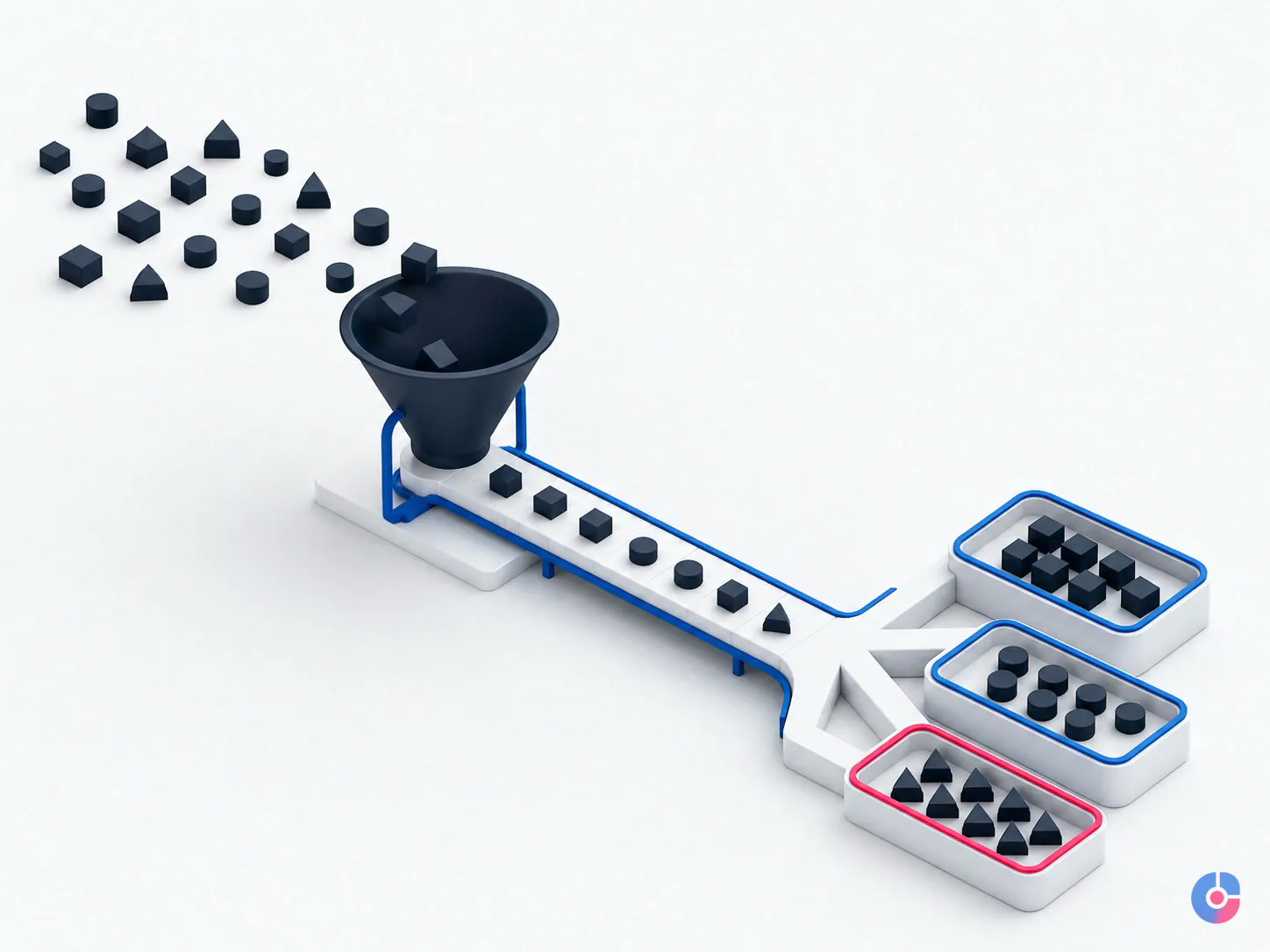
The core roles in a first remote operations team
The operations specialist
The specialist owns the daily queue within defined authority: validates inputs, completes standard cases, records evidence, raises exceptions, updates status and flags demand or defect patterns. Their scorecard follows completed outputs, timeliness, first-pass quality, ageing and correct escalation—not keyboard activity.
Begin with a coherent work family. Add work only when current output is stable, the procedure is current and the person has capacity. The number of work types they can hold depends on frequency, complexity, systems and exception rate; there is no honest universal limit.
The team lead or supervisor
This role exists from the start, even if the capacity is part-time. The supervisor checks attendance and queue health, assigns work, answers process questions, samples completed items, coaches the specialist, maintains procedures, reports risks and coordinates coverage. A client manager at a distance may retain business accountability without having time for that operating rhythm.
The strongest specialist is not automatically the right lead. The lead needs time, judgment, clear authority and the ability to make standards consistent. If supervision is an additional duty, reserve specific hours and remove equivalent production load.
The client-side owner
This role is non-negotiable and cannot be outsourced. One named internal person owns the desired outcome, approves the standard, answers business exceptions, authorizes access, resolves conflicting priorities and accepts the handover. A provider can supervise delivery; it cannot invent the client’s policy or assume authority the business has not delegated.
Define a backup for absence and an escalation response expectation. If the team raises a valid exception and the owner does not decide, the service clock should pause or the item should move to a visible blocked status—not disappear into private follow-up.

Keep the tool stack deliberately small
The minimum stack has one primary tool in each category:
- communication: announcements, questions and scheduled calls;
- work tracking: queue, status, owner, priority and due time;
- file storage: controlled source documents and approved outputs;
- password management: individually assigned access and protected business credentials; and
- documentation: current procedures, decision rules, examples and revision history.
A large stack fragments truth. The same item acquires different owners and statuses in email, chat, a spreadsheet and a project tool. Notifications grow while control weakens.
Add a tool only when a named process constraint cannot be solved within the current stack, the new system has an owner, records will be migrated or linked, access and data risks are reviewed, and the old path has a retirement date. Software should reduce a defined control gap, not express enthusiasm for the new team.
Handover: the 90-day build plan
Ninety days is a practical governance frame, not a guaranteed time-to-autonomy. A simple process may stabilize sooner; regulated, high-variation or judgement-heavy work may require longer. Use evidence to pass each gate.
- Days 1–14: documentation and access. Select the repeatable scope, map intake and statuses, write output statements, identify exceptions, collect examples, create access templates and name the client owner and supervisor. Observe real cases. Where documentation does not exist, write it while the experienced person completes live work and explain each decision. The deliverables are a process map, queue, procedure, role scorecard, access register, example set, risk list and pilot plan.
- Days 15–45: dual-run a limited scope. The remote specialist handles a bounded queue while the incumbent or owner reviews before release where consequence requires. Record defects and questions, measure intake and ageing, refine exceptions and calibrate the scorecard. Expand volume only after the current sample meets the agreed standard. The deliverables are corrected procedures, measured baseline, exception log, quality results and a go/no-go decision for greater scope.
- Days 46–90: controlled handover. Move the approved scope to normal operation. The supervisor samples completed work, the client owner handles business exceptions and reports become routine. Test absence cover, access revocation, backlog recovery and a representative failure scenario. The deliverables are an accepted handover, operating calendar, service and escalation rules, coverage plan, current access register and a 90-day-after-handover improvement list.
“We do not have time to document” is a capacity warning, not a reason to skip design. Use the dual-run method: capture the next real case, note the decision, turn it into a draft step and validate it on the following case. Documentation becomes a by-product of controlled work rather than a separate theoretical project.
If a previous attempt did not stick, inspect intake first. A team cannot own work that reaches individuals through scattered messages. Then inspect decision latency, sample age and whether the client owner actually had time to perform the role.

Reporting a busy owner will actually read
The daily report should fit on one screen and lead with exceptions:
Daily operations summary—[date and time zone]
Opening queue: 38
New items received: 24
Items completed: 27
Closing queue: 35
Ageing beyond target: 3—IDs 481, 492, 497
Exceptions awaiting client decision: 2—owner and required-by time listed
Quality sample: 8 reviewed; 1 correction before release; no customer impact
Capacity or access risk for next workday: one specialist on approved leave; cover activated
The weekly summary explains trends: volume in and out, oldest work, completion against service target, defect categories, rework, recurring exceptions, documentation changes, capacity and decisions required. Link to detail; do not paste the whole queue.
A dashboard nobody opens is not a control. Agree who reads the report, when and what action each threshold triggers. Avoid hours online, mouse movement and message count as primary success measures. They describe activity, not a correct invoice, resolved request or accepted order.
Time zones, coverage and overlap
Set a fixed overlap window for exception decisions, calibration, coaching and handover. Use asynchronous hours on either side for work with clear rules. Document what may wait until the next overlap, what must use an urgent channel and who is authorized to respond.
Follow-the-sun coverage requires more than people in different zones. It needs a handover record, common system of record, standardized statuses, incoming-team acceptance, clear cut-off and enough staffing in each window. It also adds supervision and coordination cost. Do not promise continuous coverage from one person or a team with no planned backup.
Measure decision wait separately from processing time. If work sits for twelve hours because an exception owner is unavailable, adding another remote specialist will not improve the real completion time.
Build in-house or use a managed team
Build in-house when the work carries core intellectual property, internal leaders can recruit and supervise in the work location, long-term scale supports the management layer, or the organization wants the operating capability as a permanent internal function. The business designs the employment, coverage, quality and replacement machinery itself.
Use a managed team when the repeatable scope is clear but local sourcing, employment administration, daily supervision, absence cover or replacement capacity would delay the build. A provider can supply those mechanisms, but the client still needs the named owner, process authority, system access decisions and acceptance standard.
Compare the two paths on specific mechanisms: who sources and assesses, who employs, who supervises daily, who covers leave, who owns documentation, how replacement works, where data is handled and how exit or transition occurs. “Managed” is not proof; inspect the operating answer.
For a narrow back-office build, use the guide to building a remote back-office team. Individual onboarding belongs in the dedicated remote employee onboarding guide. Once the team works and headcount must grow, use the separate model for scaling a remote team safely.
Start with one queue and one accountable owner
The first remote operations team succeeds when the business can point to a visible stream of work, a written output, an authorized exception owner, a supervisor and evidence that the handover is working. It fails when a good person is asked to discover all five while delivering live work.
OveliTHub has delivered 130+ projects across markets in the USA, Europe and the Middle East, with BPO and managed operations among its service capabilities. Book a consultation on setting up your remote operations team to map the first repeatable scope and the 90-day handover required to operate it.
Keep reading
Related insights

How to Reduce Operational Cycle Time
Most operational delay is queue time, not work time. See how remote operations support cuts the waiting, the rework and the chasing…

How to Research a Prospect Before a Call
Reps skip research because it is slow, then open with nothing. See how to standardise account research so every conversation starts from…

Setting a Data Entry Accuracy Rate
Buy an error rate and a turnaround time, not a headcount. How to specify, staff and audit a remote data entry team…