

Marketing & creative
How to Hire a Video Editing Assistant
Editing is where publishing schedules die. See how to brief, review and pay a video editing assistant so output rises and your style stays intact.
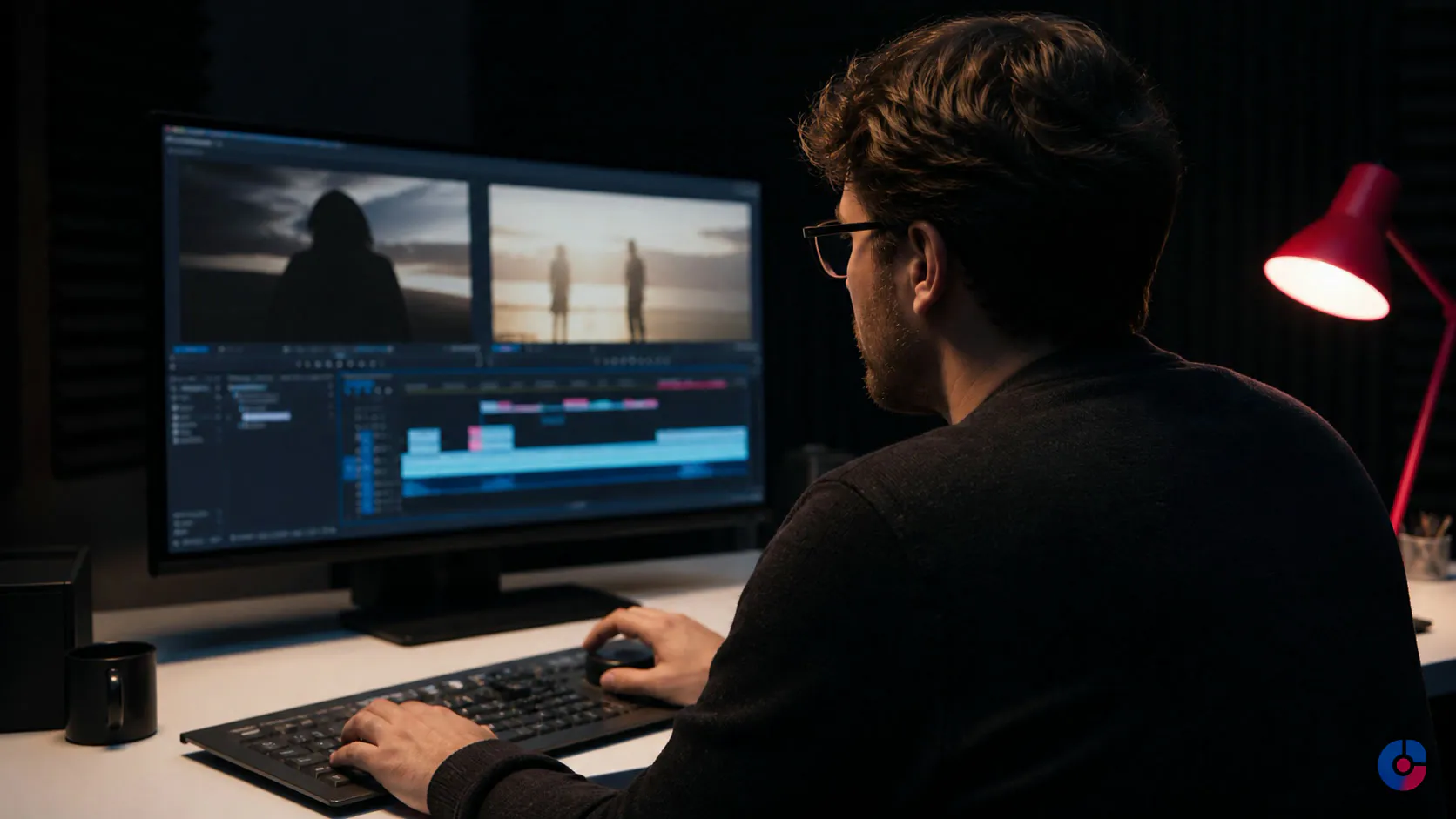
The footage exists. The episode plan exists. What does not exist is the finished video. Raw files accumulate while the creator edits at night, misses the planned release and gradually lowers the number of ideas they are willing to film. The channel’s constraint is no longer filming or subject knowledge. It is post-production capacity.
Learning how to hire a video editing assistant is not mainly a search for someone with more transitions or a longer showreel. It is the work of translating taste into decisions: pacing, pause length, cut density, b-roll purpose, caption behaviour, sound policy and the point at which a joke should be left alone.
A clear style guide and one annotated reference edit predict fit better than vague instructions to “make it engaging.” A disciplined review loop then turns that fit into a reliable schedule. Expect the first month to be slower while those rules become explicit.
The bottleneck is not filming
A creator may record several episodes in one session because filming rewards energy and momentum. Editing demands repeated private decisions: which take is authoritative, whether a silence feels thoughtful or slow, when to cover a cut, which tangent contains personality and which one merely delays the point.
That decision volume makes the edit queue hard to start. A folder labelled “episode 14 final clips” sits next to several alternative audio files. The thumbnail is not briefed because the cut is not locked. Short extracts cannot be selected because timestamps keep changing. The publishing calendar slips quietly rather than failing in one visible event.
Delegation separates authorship from execution. The creator still owns the premise, performance and editorial boundary. The assistant organises material, builds the cut under documented rules, prepares versions and makes review efficient. The goal is not more output at any cost; it is more approved work reaching its intended release date without flattening the voice that made it worth watching.
What a video editing assistant actually does
A practical recurring scope can include:
- Media ingest and organisation: verify transferred files, preserve card or source names where required, sync audio and picture, label cameras and takes, and create the project structure.
- Transcription and selects: produce or correct a transcript, mark usable takes, identify agreed topic sections and flag missing or damaged material.
- Assembly: place the selected material in script or brief order before fine pacing or polish. An assembly proves coverage and structure.
- Rough cut: shape the narrative, remove repetition, choose takes, set pacing and add provisional b-roll or graphics so structural review is possible.
- Fine cut: implement approved structural notes, refine edits and prepare precise captions, graphics and timing.
- Audio and colour pass: balance dialogue, reduce problems within agreed limits, place approved music or effects, match shots and apply the defined look. Repair beyond the source’s practical limits must be reported, not concealed.
- Template graphics: build captions, lower thirds, chapter cards, titles and thumbnail variants from approved masters.
- Format versioning: create platform-specific aspect, duration or caption versions from the locked master, with reframing rules documented.
- Delivery and upload preparation: export to the current platform specification, verify the file, prepare metadata fields, upload under controlled access and leave publication for the authorised gate.
An assistant can make creative decisions inside a known grammar. They are not automatically the channel strategist, script editor, creative director, motion designer, sound mixer and thumbnail copywriter. List each responsibility and identify the source and approver. Broad titles create hidden disagreements about what the quoted edit includes.
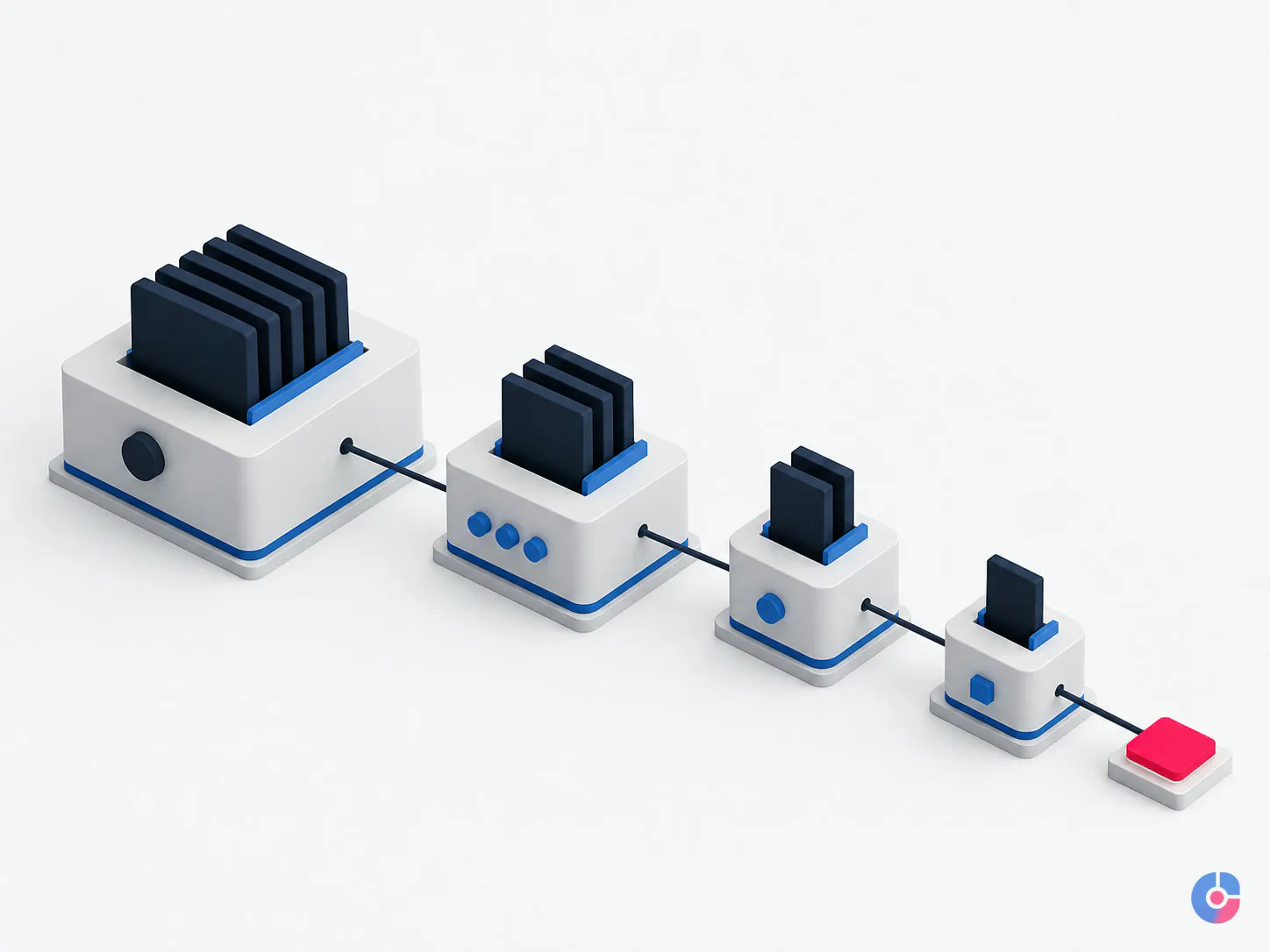
Write the style guide before the job ad
A useful style guide describes observable editing behaviour. It does not say “premium,” “dynamic” or “like our brand.” Build it around these decisions:
Pacing and cut density
State whether the format favours continuous energy, measured explanation or deliberate contrast between the two. Show the acceptable range with timestamps from past videos. Explain when a cut is motivated: remove repetition, improve clarity, change topic, protect pace or reveal a reaction. Do not prescribe a cut every fixed number of seconds; meaning should drive rhythm.
Silence, breath and imperfection
Define which pauses give an idea weight and which indicate searching or a failed take. Say whether natural breaths, verbal stumbles and room tone stay. A creator who values intimacy may retain texture that a commercial tutorial removes. This is voice expressed through timing.
Dialogue transitions
Document whether and how J cuts and L cuts are used. In a J cut, the next scene’s audio begins before its picture; in an L cut, the outgoing audio continues after the picture changes. Both can smooth an interview or conversation, but constant overlap can remove intentional emphasis.
Captions and on-screen text
Specify font, weight, colour, safe placement, line length, capitalisation, punctuation, highlight behaviour, maximum simultaneous lines, speaker identification and treatment of uncertain transcription. Captions require a text-accuracy check; animated words do not excuse misquoting the speaker.
Music and sound effects
Define whether music is absent, continuous or reserved for sections; how it sits under dialogue; when it fades; and which sound effects are prohibited. Require the track source, licence or subscription evidence, permitted channels and territory, and any attribution. Do not accept “royalty-free” as a complete rights record.
B-roll rules
State what b-roll must accomplish: demonstrate a step, provide evidence, establish place, clarify a reference or cover an unavoidable edit. List overused or misleading imagery. A visual that merely repeats a noun can distract from the speaker and make the edit feel generic.
Transitions, colour and graphics
List allowed transitions and those never used. Provide project templates, brand colours, fonts, logo clear space, lower thirds and graphic timing examples. Supply a colour reference and explain whether the task is technical correction, shot matching or a defined creative grade.
Opening and ending structure
Show how quickly the topic appears, whether cold opens are used, where identification sits, how title sequences behave and what constitutes an acceptable call to action. Document end-screen timing, audio tail and any platform elements that need clear space.

The reference edit is the fastest brief you will write
Choose one published video that still represents the desired format. Duplicate its transcript or create a review document, then annotate decisions by timestamp:
- why the opening starts where it does;
- which pause remains and why;
- where a cut removes repetition rather than personality;
- why b-roll appears and what it proves;
- where the music enters or stops;
- which graphic is template-driven; and
- where a tempting effect was deliberately avoided.
Add a negative reference: a technically competent passage that feels wrong, with the reason. “This is over-cut because the explanation cannot breathe” teaches more than “keep it natural.” Update the guide whenever the same review note appears twice.
Build the file and handoff workflow
Remote editing often breaks at transfer and version control before it breaks creatively. Establish the plumbing during the paid test.
One project, one predictable structure
Use a project identifier and standard folders, for example: brief, source video, source audio, graphics, licensed media, project files, proxies, review exports, masters, platform versions and archive notes. The exact names matter less than consistent use. Never overwrite raw media.
Name files with project, content type, date or version and meaningful state. Avoid “final-final-2.” Version the review export and project together so a note can be traced to the cut it describes. Lock approved masters against casual replacement.
Verify every handoff
The creator or ingest operator uploads source material to the approved storage. The editor confirms file count, size, playback, audio sources, frame characteristics and missing items before starting. A checksum or transfer tool with integrity verification may be appropriate for valuable media. Failed transfer discovered at export wastes the entire schedule.
Use proxies intentionally
Proxy files are lower-data-rate editing copies linked to high-quality source media. They can make transfer and editing practical on slower connections or lighter machines. Document who creates them, naming, timecode or metadata preservation, relinking and the final online step. The master export must reconnect to approved source media, not accidentally render from an unsuitable proxy.
Agree project compatibility
Record application, version, plug-ins, fonts, codecs, colour-management assumptions and template dependencies before the first project. Avoid unlicensed plug-ins or effects the creator cannot open. If the parties use different software, define whether the handoff is a flattened master, interchange file or fully editable project and test it.
Keep ownership and archive responsibility explicit
Decide who holds raw media, working project, graphics, licensed assets, review history and final masters; how long each is retained; and how the archive is returned at termination. The creator’s business should retain a recoverable master archive and the information needed to reopen important work.
Design a two-round review loop
Unlimited revisions hide an incomplete brief and make schedule ownership impossible. Use two defined rounds, with a new scope for changes that reverse an approved decision.
Round one: rough-cut review
Review structure, take selection, omissions, factual meaning, pacing, major b-roll intent and overall duration. Temporary graphics and music are acceptable when clearly marked. This is the time to move or remove sections. The creator returns one consolidated, time-stamped note set through the agreed review tool.
Each note should identify the problem and intended outcome: “02:14—the pause reads as uncertainty; tighten between the final word and the demonstration” is actionable. “Make it punchier” leaves the editor guessing.
Round two: fine-cut review
After the rough cut is approved, review exact trims, caption accuracy, graphics, b-roll replacement, audio balance, colour consistency, music cues, end elements and export details. Structural changes after rough-cut approval create a schedule and fee change because they invalidate downstream work.

Calls are useful when the format is being established, but the decisions should still be written against timestamps. One owner consolidates stakeholder notes and resolves contradictions before sending them. The editor should never choose which executive comment outranks another.
If this review structure is ready, OveliTHub can scope a named video editing assistant around recurring post-production, SOPs, supervision and delivery reporting. Book a video editing support call with one reference edit, the current file workflow and typical monthly volume.
Use a paid test project
Pay candidates to edit one representative real project using the style guide and workflow. A short artificial montage mainly tests taste under invented conditions. The real test reveals interview handling, source organisation, note discipline, captions, templates, technical delivery and communication.
Give every candidate the same:
- source selection and brief;
- annotated reference edit and style guide;
- target duration or clear editorial boundary;
- required graphics, music policy and delivery format;
- deadline with available clarification windows; and
- fee, ownership and permitted portfolio-use terms.
Score adherence before flair. Assess media organisation, structure, pacing, factual integrity, caption accuracy, audio intelligibility, colour consistency, template use, rights records, file hygiene, response to feedback and delivery checks. Expect to give one realistic round of notes; learning from notes is part of the test.
Unpaid tests create an unfair expectation and may encourage rushed work or attract candidates able to absorb speculative labour rather than those best suited to a reliable relationship. A portfolio shows capability and taste. It cannot show how the editor works inside this creator’s grammar, files and review discipline.
Choose a payment model that matches the work
| Model | Works well when | Risk to define |
|---|---|---|
| Per video or episode | Format, source duration, finished duration, graphics, versions and review rounds are stable | Scope disputes when one “video” can range from a clean interview to a damaged multi-camera production |
| Hourly | Source quality, creative exploration or task mix varies and work is transparently tracked | Budget uncertainty and an incentive discussion focused on time rather than accepted output |
| Retained capacity | Publishing is recurring, monthly demand is forecastable and the creator values protected availability | Unused capacity, peak overages and ambiguity about what rolls forward |
| Hybrid | A stable core edit has a fixed fee while complex motion, restoration, extra versions or structural revision are separate | A rate card that becomes too complicated to administer |
Per-video pricing needs a written unit: number and type of cameras, source length, target length, transcript condition, sync, graphics, captions, audio repair, colour work, thumbnail, platform versions, review rounds, turnaround measured from complete handoff and archive. A rush request is a different service condition, not an implied favour.
Rights, source files and account access
The contract should state who owns the edited output, project files, custom graphics and templates after payment; what pre-existing tools or assets remain the editor’s; whether portfolio use is allowed; and how work is returned at termination. Obtain appropriate legal advice for the governing jurisdiction and relationship.
Every music, stock, font, template, plug-in and sound-effect asset needs a source record and terms that permit the intended use. Licences vary by library, plan, account holder, channel, client work, territory and time. Read the specific terms in force when the asset is acquired. Preserve the receipt or licence evidence and do not assume an editor’s personal subscription covers a client forever.
For YouTube, use channel permissions rather than sharing the owner’s Google Account password. Current YouTube Help documentation says channel permissions provide named access at defined levels. Editors can upload and publish but cannot manage permissions or delete published content; editor-limited users have the same editing limits and cannot view revenue data. Assign the minimum role, keep final publication approval in the workflow and remove access at offboarding.
Delivery specifications belong in a maintained platform sheet. YouTube’s current upload guidance, for example, recommends a supported container and codec combination, matching the source frame rate and appropriate audio settings. Other platforms and content types differ and change. Export, upload privately or unlisted where appropriate, inspect processing and playback, then approve release.
Scale from one editor to a small pipeline
The signal to add a pipeline is not that one busy week felt difficult. It is persistent accepted demand beyond one editor’s capacity, accompanied by stable style rules and measurable waiting between production stages.
Separate roles gradually:
- ingest, sync, transcript and assembly;
- editorial rough cut;
- motion, captions or version production;
- audio and colour finishing where the standard requires specialists;
- thumbnail preparation from controlled design systems; and
- quality control, delivery and archive.
Use one scheduling board with project state, owner, source-complete date, review deadline, blocker and release target. Keep a shared template library with version owners. Before delivery, run a quality checklist for content completeness, captions, graphics, rights, audio, colour, framing, duration, file specification, playback and metadata.
Do not split work so early that handoffs cost more than they save. One editor can own a complete recurring format until volume or specialist finishing genuinely creates a constraint. Planned cover still requires another person to open the project, find sources and understand the current cut.
Publish on schedule and keep the voice
The creator’s style is a collection of editing decisions, not magic that disappears when another person opens the project. Annotate the best reference, control the files, review structure before polish, pay for a real test and grant only the access the role needs. The first month transfers judgment; the stable workflow returns the hours.
Keep reading
Related insights

WordPress vs Custom CMS Development
A custom CMS buys control and a permanent maintenance bill. Compare both against your content model, team and five-year plan before you…

BPO Services for Digital Marketing: Benefits
Marketing teams stall on execution, not ideas. See which marketing functions a BPO model absorbs, what it returns in hours, and where…

What SEO Services Actually Deliver
SEO is four separate disciplines sold as one word. See what each part does, what results it can produce, and how to…