

Website Development
WooCommerce Support & Maintenance Services
Ongoing WooCommerce support for updates, plugin conflicts, checkout issues, speed and security, tested on staging first. Book a WooCommerce store audit.
Bought under Website Development From $400 · 1-3 weeks

WooCommerce gives a store control over code, data, hosting and extensions. That ownership also makes update discipline the merchant’s responsibility. OveliTHub’s WooCommerce support services keep WordPress core, themes, plugins, checkout, performance, security and recovery under a staged, documented maintenance process.
The comparison is not WooCommerce versus a hosted platform in the abstract. It is a maintained store versus an unmaintained one. We begin with an audit, establish a safe baseline and test changes away from production before they reach customers. The client retains its accounts, data and technical ownership.
The update you are afraid to run
The dashboard shows pending updates, but nobody wants to press the button because the last change broke checkout. The original developer is unavailable, a customisation lives in an unknown file and there is no proven restore procedure. Waiting feels safer than change.
Delay compounds the problem. Core, extension, theme and server requirements move on different schedules. The larger the version gap, the more changes must be understood together and the harder it becomes to isolate cause. Security fixes, compatibility improvements and platform support may also be deferred.
We do not begin by applying everything to the live store. The audit records versions, custom code, business-critical flows, backups and current defects. Work is ordered by consequence and dependency, with a staging rehearsal and rollback plan. An owner who has postponed maintenance needs a controlled route forward, not a lecture.
Why WooCommerce stores drift into trouble
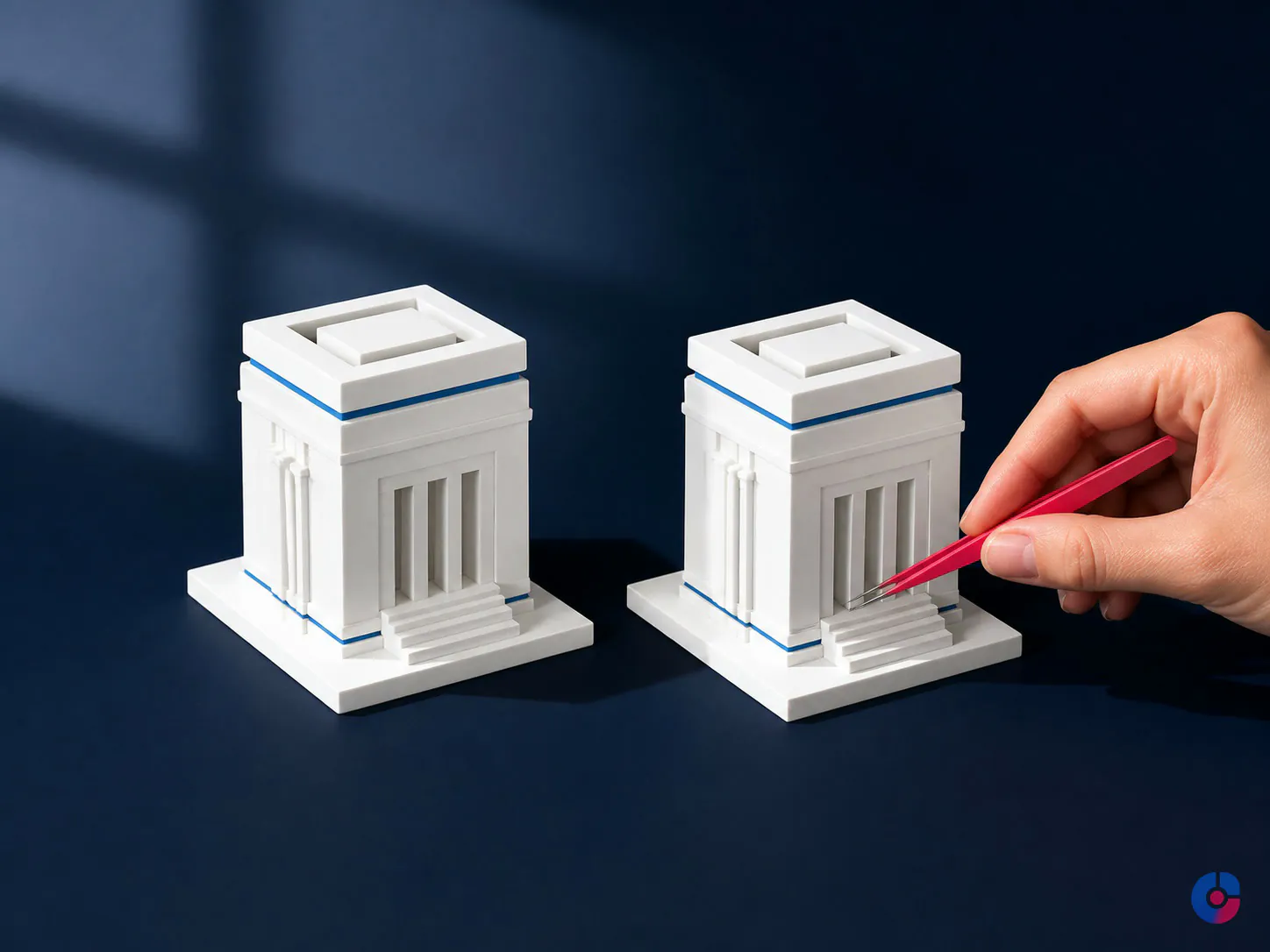
A WooCommerce site is a system of systems. WordPress supplies content management; WooCommerce supplies commerce foundations; the theme controls presentation; extensions add gateways, shipping, tax, subscriptions, feeds, search and other capabilities. Each author releases on a different cycle.
A plugin conflict occurs when two components alter the same WordPress hook, load incompatible scripts, make different assumptions about data or require conflicting versions. Hooks are the extension points through which plugins change behaviour. They are powerful, but order and context matter.
Direct edits to a parent theme can disappear on update. A child theme is the safer layer for supported customisations, yet it can still contain outdated templates. PHP—the server language running WordPress—must be compatible with core, theme and plugins. We verify current vendor requirements during each change rather than publishing a version number that will age.
Orders, logs, sessions, expired transients and plugin tables accumulate. Transients are temporary cached values stored through WordPress; abandoned or excessive data can burden the database. None of these facts means the store must be rebuilt. They mean maintenance needs an inventory and evidence.
What ongoing WooCommerce support covers
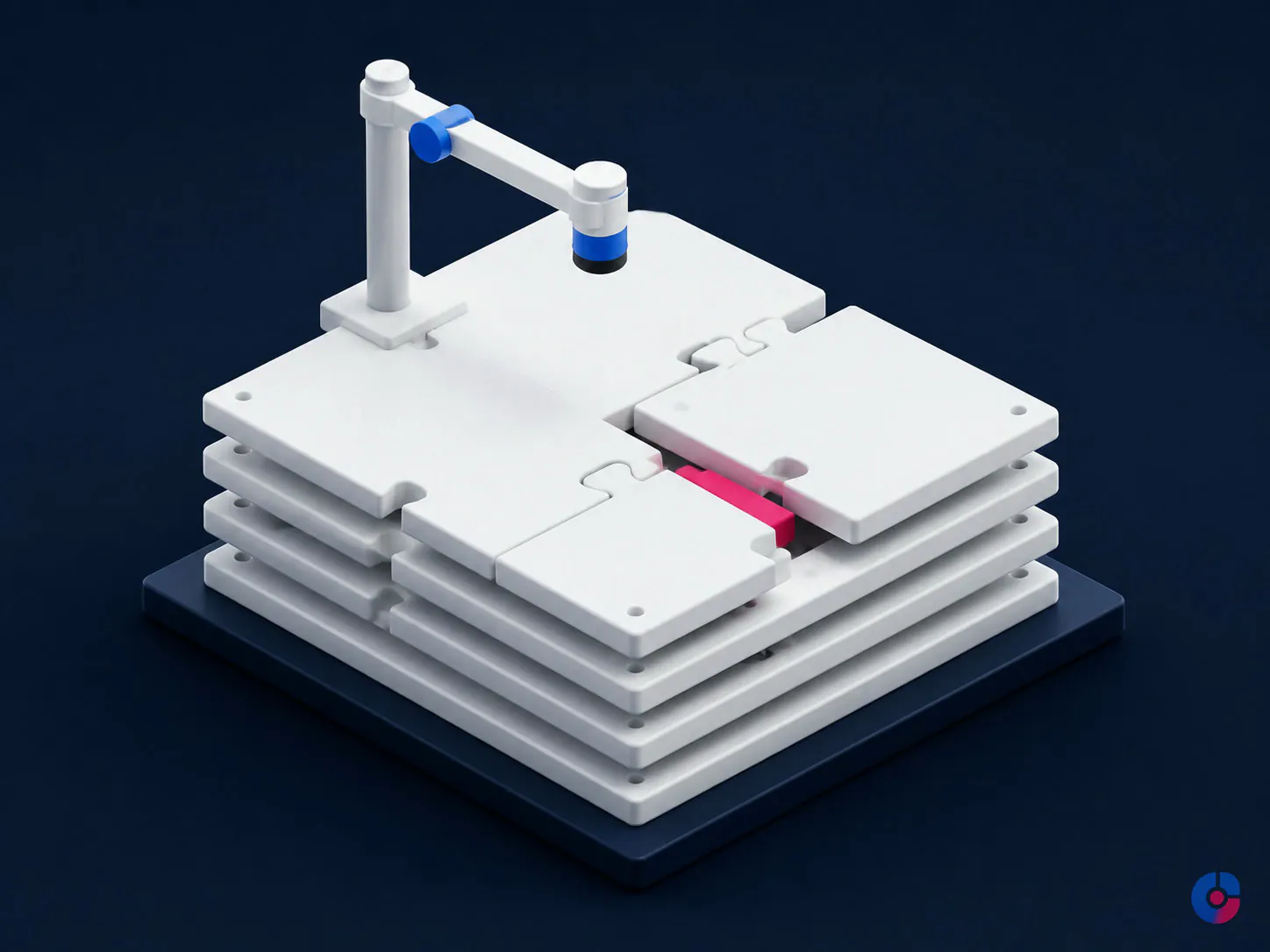
- scheduled WordPress, WooCommerce, theme and plugin updates tested on staging;
- compatibility assessment and diagnosis of plugin or theme conflicts;
- checkout, order, payment gateway and email troubleshooting;
- shipping zone, method and tax configuration support based on client-approved rules;
- product, attribute, variation, stock and catalogue display issues;
- performance investigation across hosting, code, media, cache and database;
- security hardening, user-role review and actionable alert triage;
- backup verification and periodic restore testing;
- uptime and critical-journey monitoring under the selected plan; and
- a documented change, incident and maintenance history.
Scope states response windows, coverage hours and exclusions; no universal uptime or fix-time promise is implied. Content entry, customer conversations and order operations are separate from technical care. An ecommerce virtual assistant may own recurring admin while this service protects the platform.
Checkout and payment gateway problems
We first establish affected devices, browsers, products, customer types, locations, shipping methods, coupons, payment routes and timing. Logs and gateway status help distinguish a store defect from a processor decline, external outage or configuration mismatch.
The diagnostic order protects evidence: reproduce safely; inspect recent changes; test cart and session behaviour; verify totals, tax and shipping inputs; review browser and server errors; confirm webhook or callback processing; and isolate extensions on staging where necessary. A test order checks customer message, order state, inventory, payment record, internal notification, refund path and reconciliation evidence.
Duplicated orders may come from repeated customer action, slow responses, retries or callback handling. A timeout does not prove a failed payment. Staff should confirm processor state before recreating or refunding a transaction.
Staging, testing and rollback as standard practice
- Prepare: create or refresh a protected staging copy with sensitive production data minimised where practical.
- Record baseline: note versions, known defects, checkout behaviour, integrations and performance evidence.
- Back up: create a complete production backup and confirm that files, database, encryption material and restoration access are available.
- Apply changes on staging: update in a dependency-aware order and record any code or configuration intervention.
- Run the test script: test catalogue, account, cart, coupon, shipping, tax, payment, order, email and mobile paths relevant to the store.
- Deploy deliberately: use an agreed window, protect recent orders and avoid overwriting live transactional data with a stale staging database.
- Verify production: run safe smoke tests, monitor errors and keep the rollback decision owner available.
- Close: document versions, checks, exceptions and follow-up.
Rollback is a plan, not a backup filename. It states trigger, authority, method, expected data impact and communication. Database rollback on a live store requires particular care because orders may have arrived after the restore point.

Plugin audit and the cost of accumulation
The audit inventories active, inactive and must-use plugins; purpose; owner; licence; update status; support status; data tables; frontend assets; integrations and known custom dependency. We look for overlapping capability, abandoned extensions and plugins loading code on pages where it is not required.
More plugins do not automatically mean an unsafe store, and a small plugin count does not guarantee quality. Code behaviour, privilege, maintenance and business criticality matter. A gateway integration deserves different scrutiny from a harmless editor aid.
Removal is a change. Deactivation may leave settings, scheduled jobs, database tables, shortcodes or dependent code. We back up, test affected features, determine whether retained data is needed and document the decision. Custom functionality that belongs in a maintained plugin is not left hidden in a theme file.
A highly customised store can still be supported after discovery. Unknown behaviour affects the audit and support boundary; it does not justify guessing.
Speed on a self-hosted store
Performance starts with the hosting environment, current supported PHP and database configuration, then moves through page generation, object cache, database queries, assets and third-party services. Object caching retains expensive data lookups; page caching stores complete responses. Cart, account and checkout require correct exclusions because their content is customer-specific.
We examine real page types: category, search, filtered archive, product, cart, checkout and account. Large images, unused scripts, poorly scoped plugin assets, external tags, variant queries and autoloaded database options can affect different paths. Cleanup follows measurement and a recovery point, not a generic optimisation switch.
Cache layers at plugin, server and network level must agree. An aggressively cached cart can show the wrong state; no cache at all can waste compute. Changes are tested against customer sessions and invalidation behaviour.
Hosting remediation can be coordinated with premium web hosting solutions. A move is justified by evidence on capacity, configuration, support or reliability, not offered as the answer to every slow plugin.
Security and backups you have actually tested
Maintenance applies supported updates, removes unused components, limits administrator access, uses named accounts, enforces appropriate authentication, protects secrets, reviews file changes and configures alerts with an owner. Payment handling should minimise the store’s exposure and follow the gateway’s current integration guidance.
A backup is an unproven possibility until restoration is tested. The audit identifies files, database, configuration, external dependencies, location, schedule, retention, encryption, access and recovery owner. A controlled restore proves that an authorised person can retrieve the right point and make the copy usable.
Restore tests use an isolated environment to avoid overwriting production. Results record duration, missing dependencies and corrective work. The plan distinguishes recovery of content from the treatment of orders that arrived after the backup.
No security service can promise immunity. The objective is to reduce preventable exposure, detect material issues and recover through rehearsed controls.
Working with your existing developer or host
We can maintain the operating baseline while an in-house or freelance developer builds features. Responsibilities are recorded: repository and deployment control, staging refresh, database migration, vendor contact, monitoring, incident lead and production approval.
Access is least-privilege. Changes use tickets or a shared log so a host configuration adjustment is not confused with an application release. During an incident, the person with the strongest evidence leads the relevant work while one coordinator records timeline, decisions and customer impact.
A previous developer’s absence often leaves undocumented custom code. We inventory it, establish source control where possible and state what can be supported, replaced or isolated. A monthly plan buys maintenance capacity and readiness; it does not turn unknown code into unlimited liability.
Broader defects on an existing stack may suit platform troubleshooting services. A rebuild or major migration belongs with web development services.
WooCommerce or a hosted platform
Stay with WooCommerce when ownership, content flexibility, extension capability and existing integrations justify maintenance, the store has a sound foundation and the business can govern change. It can be a strong fit for content-rich commerce and organisations comfortable owning their technical estate.
Cost a migration when support burden is structurally disproportionate, core requirements are standard on a hosted platform, integrations can be replaced and the business values a consolidated operating model more than code-level flexibility. Migration still requires product, customer, order, SEO, analytics, payment and workflow planning.
Do not migrate to avoid documenting the operation; the new platform will still need governance. Compare Shopify vs WooCommerce, and use Shopify store support for the hosted-platform equivalent.
How support starts with an audit
The audit provides environment and version status; plugin and theme inventory; customisation and support risks; representative checkout findings; performance observations; security, access and backup review; monitoring gaps; and a prioritised action list.
Actions are grouped as immediate risk, stabilisation and improvement. Dependencies, production risk and evidence are stated. The client can use the report even if it does not proceed with the retainer.
The WooCommerce maintenance checklist helps teams understand the recurring work. The audit makes that checklist specific to the actual store.
Know what your WooCommerce store is relying on
Book an audit to replace overdue-update uncertainty with an inventory, risk order, test plan and recovery route.
Book a WooCommerce store audit or browse all digital services.
Set at the service, not here
The terms every website development engagement runs on
The price, the ownership and the renewal terms are the same whichever offering you buy, which is why they are published once rather than restated on every page.
- Starting price
- From $400 one-time, in US dollars. Up to 5 pages, mobile-responsive, contact form, on-page SEO basics, XML sitemap and documentation. Live in 2-3 weeks
- Platforms
- WordPress, WooCommerce, Shopify, headless CMS with a Next.js or Astro front end, or a custom application
- Performance target
- Core Web Vitals thresholds: LCP within 2.5s, INP 200ms or less, CLS 0.1 or less, at the 75th percentile of real page loads
- Accessibility target
- WCAG 2.2 level AA, checked before handover rather than sold back as an upgrade
- What is transferred
- 100% ownership: source code, Git repository, domain, hosting, CMS admin, analytics and search console
- Your point of contact
- One named owner per project, from scoping through to handover
What response times do you provide?
Coverage and response targets depend on the selected plan and incident classification and are written into the agreement. Response means triage begins; it is not an unconditional resolution guarantee.
Do you offer around-the-clock coverage?
Available coverage is scoped against business need and team capacity. We state monitoring, staffed hours, escalation and client contact explicitly rather than implying continuous engineering presence.
Can you support custom plugins?
Yes after code, dependency, licence and test review. We may limit support, recommend remediation or exclude components whose condition cannot be responsibly maintained.
Can you migrate our hosting?
Yes as a separate planned change with backups, compatibility checks, DNS and email considerations, transfer rehearsal, checkout testing and rollback.
What if the store is already broken?
We begin with incident triage, preserve evidence and stabilise the highest-impact path. Emergency work is separately scoped, and a maintenance plan begins only after a known baseline is restored.
Bought together
Also in this service
Cloud Management Solutions and Support
Managed cloud operations for business platforms: monitoring, backups, patching, access control and cost review. Fewer outages and a bill you understand.
What it coversPremium Managed Web Hosting Solutions
Managed hosting with tested restores, staging, patched runtimes and a named person to escalate to, priced so you can see what you…
What it coversPlatform Troubleshooting Services
Structured troubleshooting for the platforms you run on: reproduce, isolate, classify, fix what is in scope and escalate the rest with evidence.
What it coversNext step
Tell us what you need from WooCommerce Support & Maintenance Services
Volume, hours and the systems it has to run in. The first reply carries a scope and a figure rather than a request for the basics.
- You send the brief A few lines is enough. No form fields you have to guess at.
- We reply in one business day With questions if we have them, and a range if we do not.
- You decide, not us No retainer to talk. If it is not our work, we say so.
Ask about WooCommerce Support & Maintenance Services
The more you can say about what the site has to do, the closer the first reply gets to a real number.
We use what you send to answer you. We do not sell it, and we do not add you to a list.